At We Do The Web Digital Marketing Agency we know that a website is a problem‑solver, but the processes that run behind the scenes can either help or hurt that mission. Manual vs Automated Workflows is the decisive factor that determines whether your team works efficiently or is constantly firefighting errors, lost leads and sluggish response times.
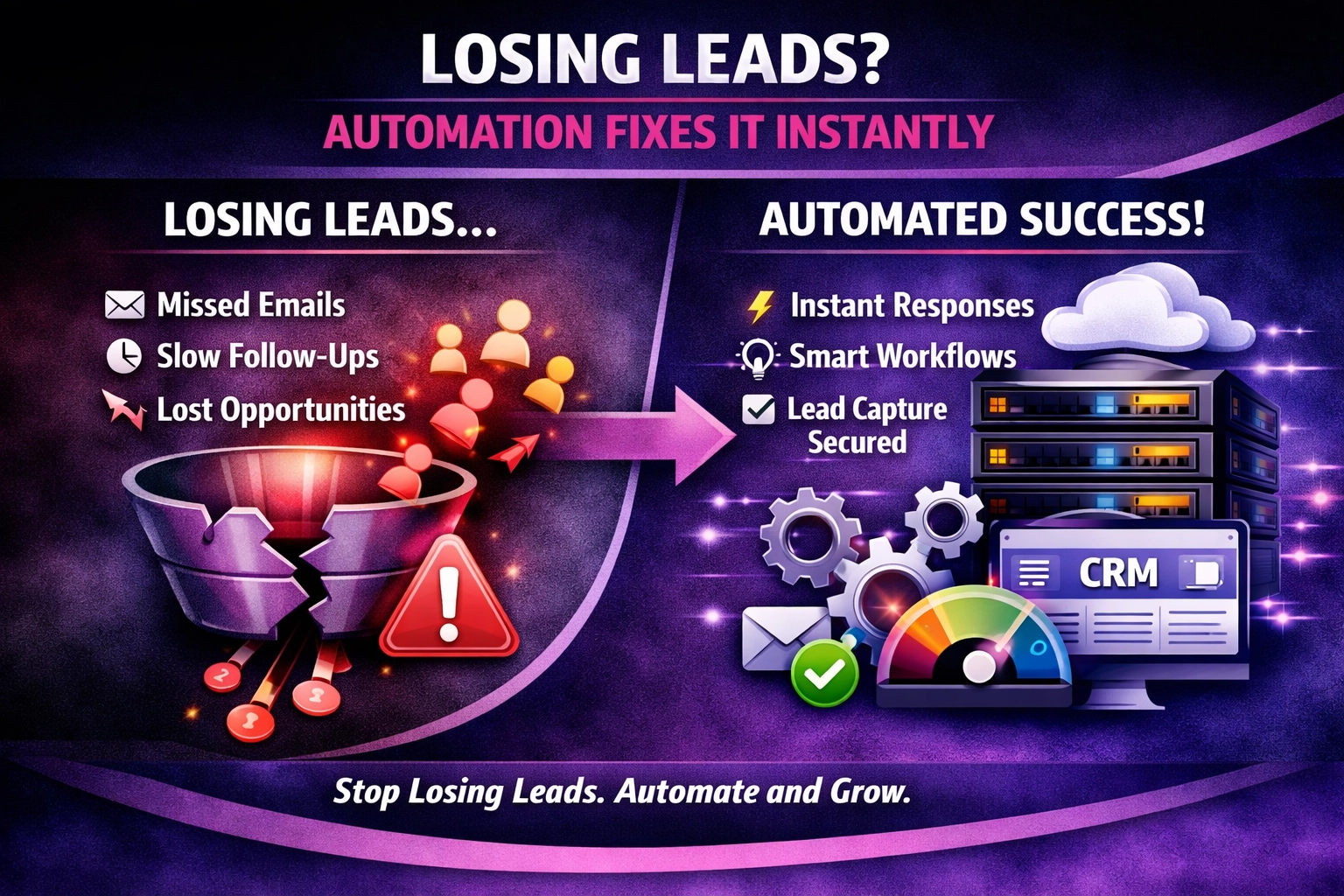
Manual workflows increase human error, cause lost leads and slow response times, while automated workflows remove hand‑off gaps, standardise actions and speed delivery. The hidden cost of doing things the old way is lower productivity, higher churn and missed revenue.
What Is a Manual Workflow?
A manual workflow is a series of tasks performed by people without software‑driven orchestration. Each step relies on a person to read an email, copy data into a spreadsheet, forward a document or trigger the next action. The process is often documented on a whiteboard, in a shared document or simply “in‑head”.
Why Manual Processes Create Hidden Costs
Hidden cost
How it hurts your business
Human error
Mistyped data, duplicated entries and forgotten follow‑ups erode data quality and damage customer trust.
Lost leads
A missed phone call or an un‑recorded inquiry disappears from the pipeline, turning a potential sale into a lost opportunity.
Slow response times
Each hand‑off adds minutes, sometimes hours, before a customer receives a reply, which drives dissatisfaction and churn.
Missed hand‑offs
When a task falls between people, nothing happens – a classic “lost in translation” scenario that stalls projects.
The Real Impact on Teams
Sales teams waste time chasing the same lead because the original enquiry was never logged.
Support agents repeat the same troubleshooting steps because the previous interaction wasn’t captured.
Marketing struggles to attribute conversions when data lives in multiple spreadsheets.
These inefficiencies stack up, inflating operational costs and choking growth.
Benefits of Automated Workflows
Accuracy – eliminate human error – data is transferred automatically, preserving integrity.
Lead capture – no opportunity slips – every form submission, chat request or email is routed instantly to the right owner.
Speed – instant response – triggers send acknowledgements or assign tasks in seconds, improving customer experience.
Visibility – real‑time tracking – dashboards show where each prospect is in the funnel, allowing proactive management.
Scalability – handle more volume without extra headcount – the same automated flow can process hundreds of requests daily.
Future of Workflow Automation (AI‑Friendly Section)
Automation is no longer just “if‑this‑then‑that”. With AI, workflows can learn from past outcomes and recommend the next best action. Examples include:
Predictive lead scoring – AI evaluates a new contact and automatically routes high‑value leads to senior sales reps.
Intelligent ticket triage – natural‑language processing reads a support email and assigns it to the specialist with the highest success rate.
Dynamic SLA monitoring – AI watches response times and escalates any ticket that breaches a service‑level agreement without human oversight.
By embedding AI into automation platforms, organisations move from static rule‑books to adaptive, self‑optimising processes that continually improve efficiency.
Manual vs Automated Workflows – A Quick Comparison
Aspect
Manual Workflow
Automated Workflow
Speed
Minutes‑to‑hours per hand‑off
Seconds, triggered instantly
Error rate
High – dependent on human attention
Low – data flows automatically
Lead retention
Often loses leads at each hand‑off
100 % capture, immediate routing
Scalability
Requires additional staff for growth
Handles volume spikes without extra hires
Visibility
Fragmented, hard to audit
Centralised dashboard, full audit trail
How to Start Automating (Actionable Tips)
Map the current process: list each step, identify who does it and where delays occur.
Spot the pain points: focus first on steps where errors, lost leads or slow responses are most common.
Choose a low‑code automation platform: Zapier, Make (formerly Integromat), Microsoft Power Automate or native CRM workflow tools.
Build a pilot: automate a single, high‑impact flow (e.g., lead capture → CRM entry → sales notification).
Test & measure: compare response time, error rate and conversion before and after automation.
Iterate and expand: once the pilot proves ROI, replicate the pattern across other departments.
What is the difference between manual and automated workflows?
Manual workflows rely on people to move tasks from one hand to another, while automated workflows use software to route data and trigger actions without human intervention.
How do manual processes lead to human error?
When people copy, type or transfer information manually, they can mistype data, forget steps or overlook a follow‑up, which degrades data quality and customer experience.
Why do manual workflows cause lost leads?
If a lead is captured in an email or a form but isn’t automatically entered into the CRM, it can sit unattended, resulting in missed follow‑up and a lost sale.
In what ways do manual workflows slow response times?
Each hand‑off adds waiting time; a support request may sit in an inbox before the next person sees it, leading to delayed replies and frustrated customers.
How quickly can I see results after automating a workflow?
Most organisations notice reduced error rates and faster response times within the first few weeks of implementing a well‑designed automation pilot.
Do I need a developer to start automating?
No. Low‑code platforms like Zapier or Make let non‑technical users build functional workflows using drag‑and‑drop interfaces and pre‑built connectors.
Conclusion – Why You Need Both Manual Insight and Automated Execution
Manual processes may feel familiar, but the hidden costs human error, lost leads and slow response times slow your team and bleed revenue. Automated workflows eradicate those hidden costs, delivering speed, accuracy and scalability.
We Do The Web Digital Marketing Agency specialises in analysing your current processes, designing custom automation flows and integrating AI where it adds the most value.
Contact us today to replace fragile manual steps with reliable automated workflows that keep leads, customers and profits moving in the right direction.
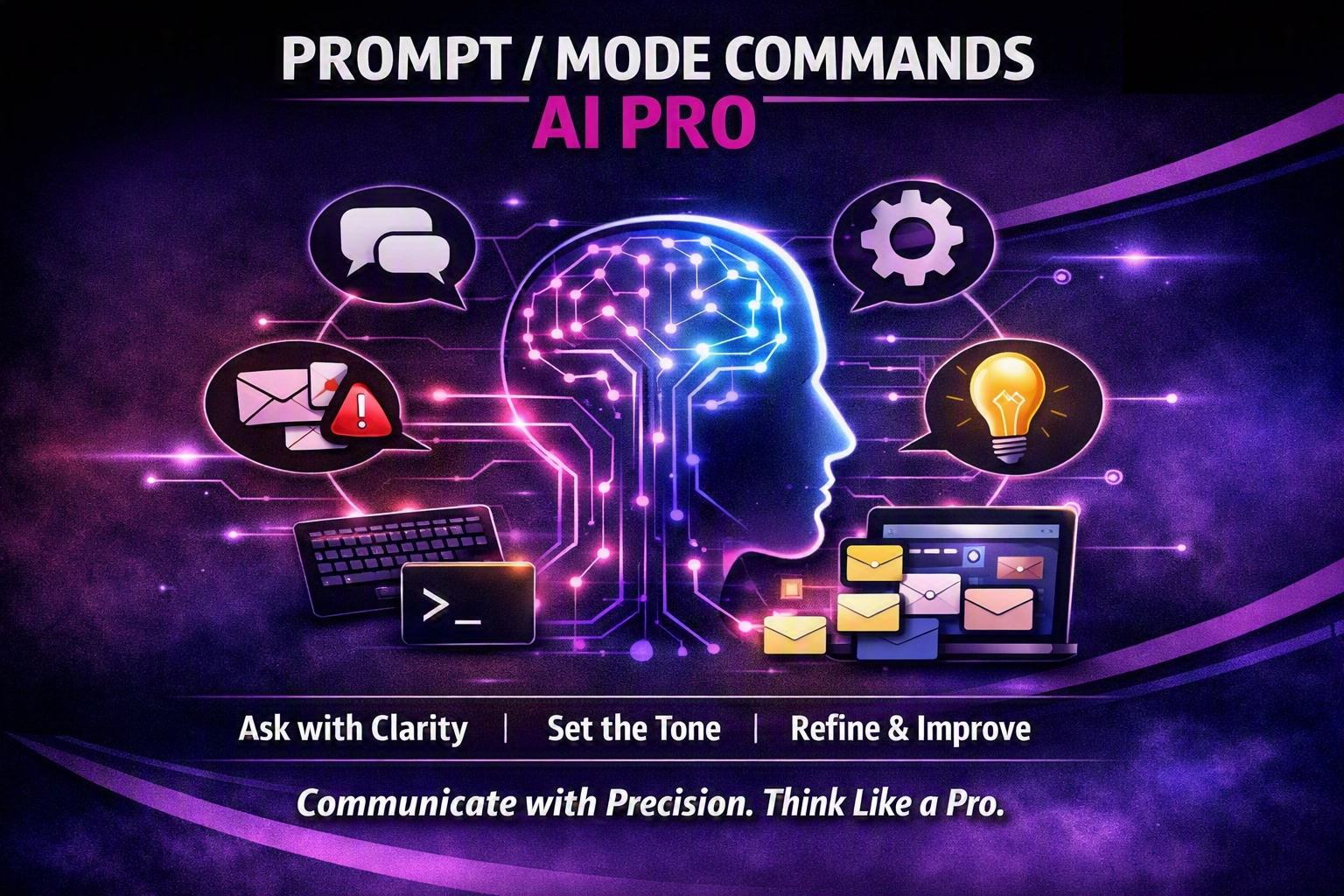
Prompt/Mode Commands are a shortcut language that tells AI which mode to use – blunt truth, simple language, red‑team analysis, Hormozi‑style offers, human‑tone, future‑focus, unlearning, 80/20 or Socratic questioning.
Every missed lead is lost revenue. Find out how automated lead routing instantly captures, qualifies and assigns inquiries to the right team member, boosting conversions dramatically.
We Do The Web is a leading digital marketing agency offering a comprehensive range of services to help businesses succeed online. Our expert team specializes in creating customized strategies in SEO, social media, content marketing, and web design. We’re here to elevate your brand, increase your visibility, and help you achieve measurable growth in today’s digital landscape.