Automate your business processes and save time with smart workflow automation. We help your website handle bookings, forms, and integrations so it works harder than you do.
At We Do The Web, we know that your website should do more than just sit there it should solve real business problems. That’s where workflow automation comes in. By automating repetitive tasks and integrating your systems, you get time back, reduce manual errors, and create a seamless experience for your team and your customers.
Whether you want to automate simple tasks or complex multi-system workflows, our automation solutions are designed to deliver reliable results that scale with your business.
What Is Workflow Automation?
Trigger actions based on events, like form submissions
Send follow-up emails automatically
Update customer data across platforms
Route leads or support tickets to the right people
Why Your Business Needs Automation
Effective automation helps you
Save time: eliminate repetitive work
Reduce errors: remove manual entry and human mistakes
Improve response times: faster than human handling
Connect tools & platforms: your systems work together seamlessly
Scale processes: automation grows with your business
Our Workflow Automation Packages
Complexity
Description
Learn More
Simple
Automate a straightforward process. Hosting, monitoring, and updates included. Perfect for tasks like form → email → CRM.
Simple: Choose this if you have a task that happens frequently and involves one or two systems. Example: “When a lead submits a form, send an email and add them to my CRM.”
Moderate: Best for workflows that span several tools (CRM, email, project board) and involve a few decision points.
Complex: Ideal for automations that integrate many systems, have branching logic and conditions, or automate long, step-by-step business processes.
How We Build Your Workflow
Every automation project follows a structured process so you get a system that works from day one:
Discovery & Planning: We map your process, define outcomes, and identify systems involved.
Build & Integrate: Our team builds the automation and connects your tools.
Test & Refine: We thoroughly test every step to ensure reliability.
Launch & Support: Your automation goes live with monitoring and ongoing support included.
What Makes Our Automation Services Different
Ready to Automate Your Business?
Whether you’re just starting with automation or ready to scale your workflows, We Do The Web is here to help.
Contact us today to discuss your workflow automation needs and get a tailored plan that works for your business.
Track metrics such as error rate, processing time, lead conversion percentage, invoice approval cycle and employee satisfaction before and after implementation.
No. Low‑code platforms like Zapier, Make or Power Automate provide drag‑and‑drop interfaces that allow non‑technical staff to design functional workflows.
Sales often sees the quickest ROI because automated lead capture and follow‑up prevent lost opportunities and accelerate revenue.
While there is an upfront investment in tools and set‑up time, most businesses recoup the cost within a few months through reduced labour, faster response times and higher conversion rates.
Automation removes manual data entry and hand‑offs, ensuring the same exact information is transferred between systems every time, which eliminates typos and forgotten steps.
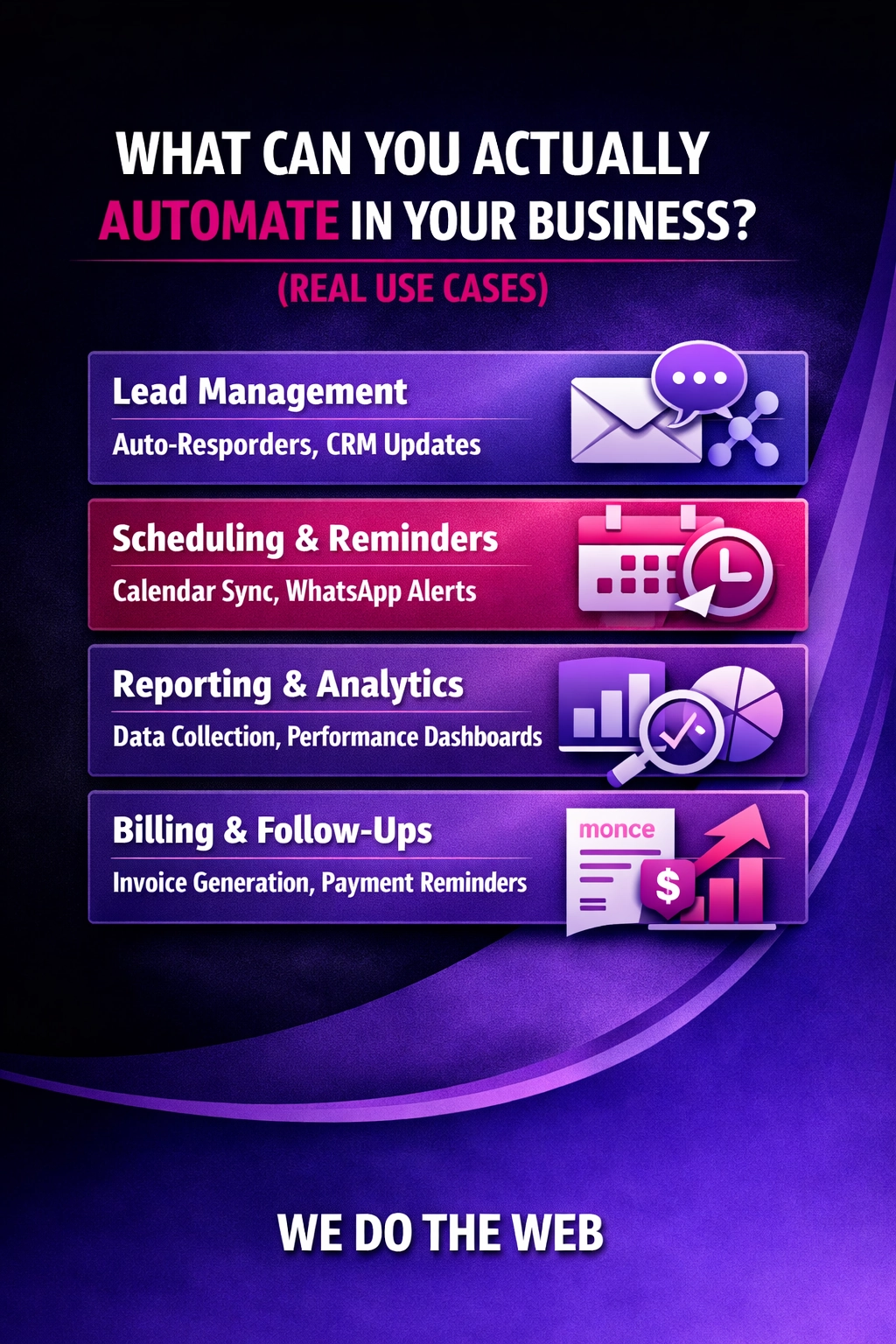
You can automate lead capture, invoice processing, employee onboarding, leave requests, audience segmentation, social posting and many other repeatable tasks across sales, admin, HR and marketing.
We audit your current processes, design AI‑enhanced workflows, integrate the best AI models and automation platforms, and provide ongoing optimisation to ensure you reap maximum efficiency gains.
Treating AI as a set‑and‑forget solution, neglecting data quality, failing to monitor performance, and attempting to automate every task without assessing ROI.
Begin by mapping repetitive processes, identify decision points that could be enhanced with AI, choose a low‑code automation tool, connect an AI service via API, test in a sandbox and iterate.
Yes. Cloud‑based AI services (e.g., Azure Cognitive Services, OpenAI) and low‑code automation platforms have pay‑as‑you‑go pricing, making entry‑level projects affordable for SMBs.
No, you can automate simple rule‑based tasks without AI. However, adding AI enables the workflow to make smarter, data‑driven decisions, increasing accuracy and value.
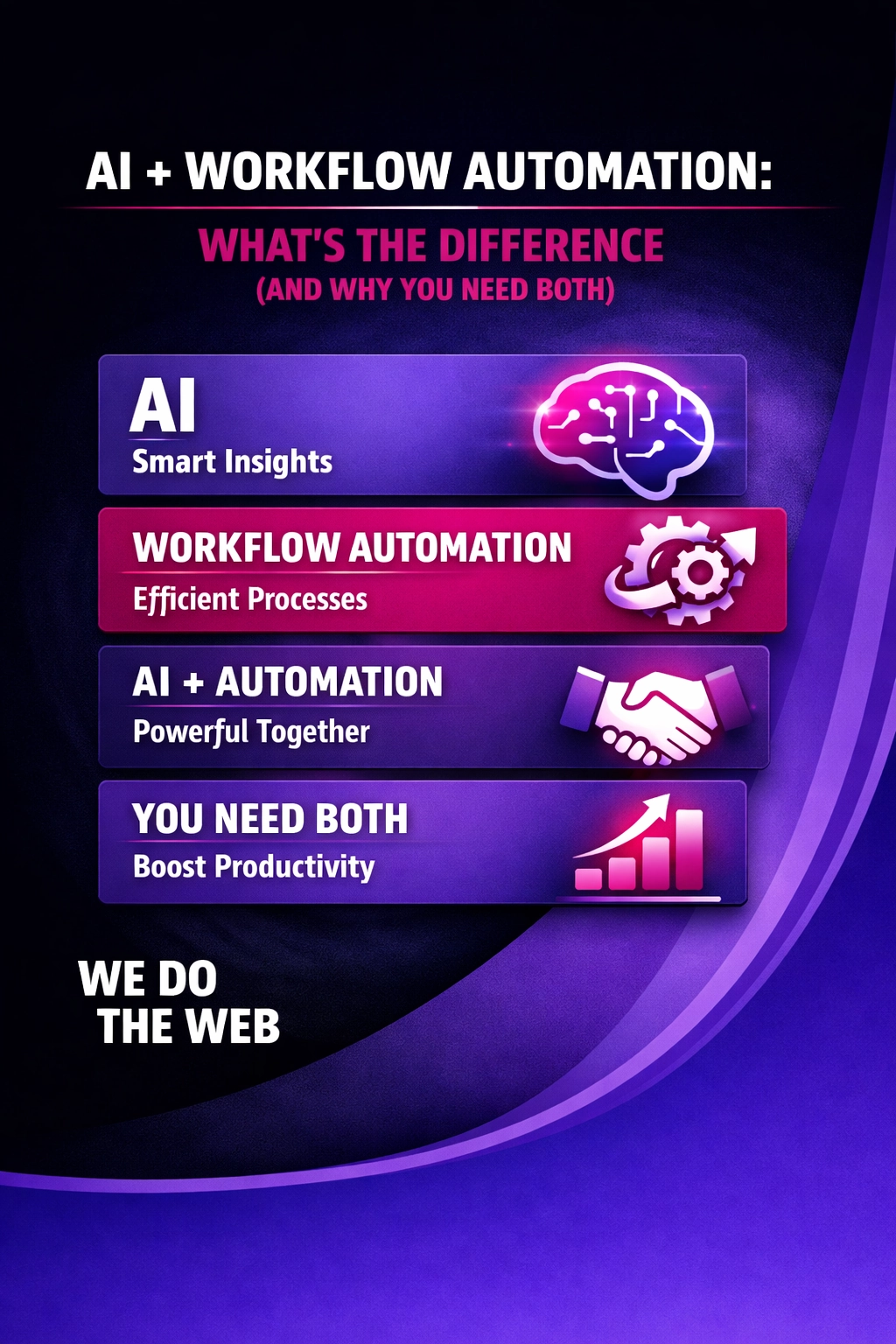
AI provides the decision‑making brain that analyses data and predicts outcomes, while workflow automation supplies the execution engine that moves tasks from step to step without human intervention.
Most organisations notice reduced error rates and faster response times within the first few weeks of implementing a well‑designed automation pilot.
Each hand‑off adds waiting time; a support request may sit in an inbox before the next person sees it, leading to delayed replies and frustrated customers.
If a lead is captured in an email or a form but isn’t automatically entered into the CRM, it can sit unattended, resulting in missed follow‑up and a lost sale.
When people copy, type or transfer information manually, they can mistype data, forget steps or overlook a follow‑up, which degrades data quality and customer experience.
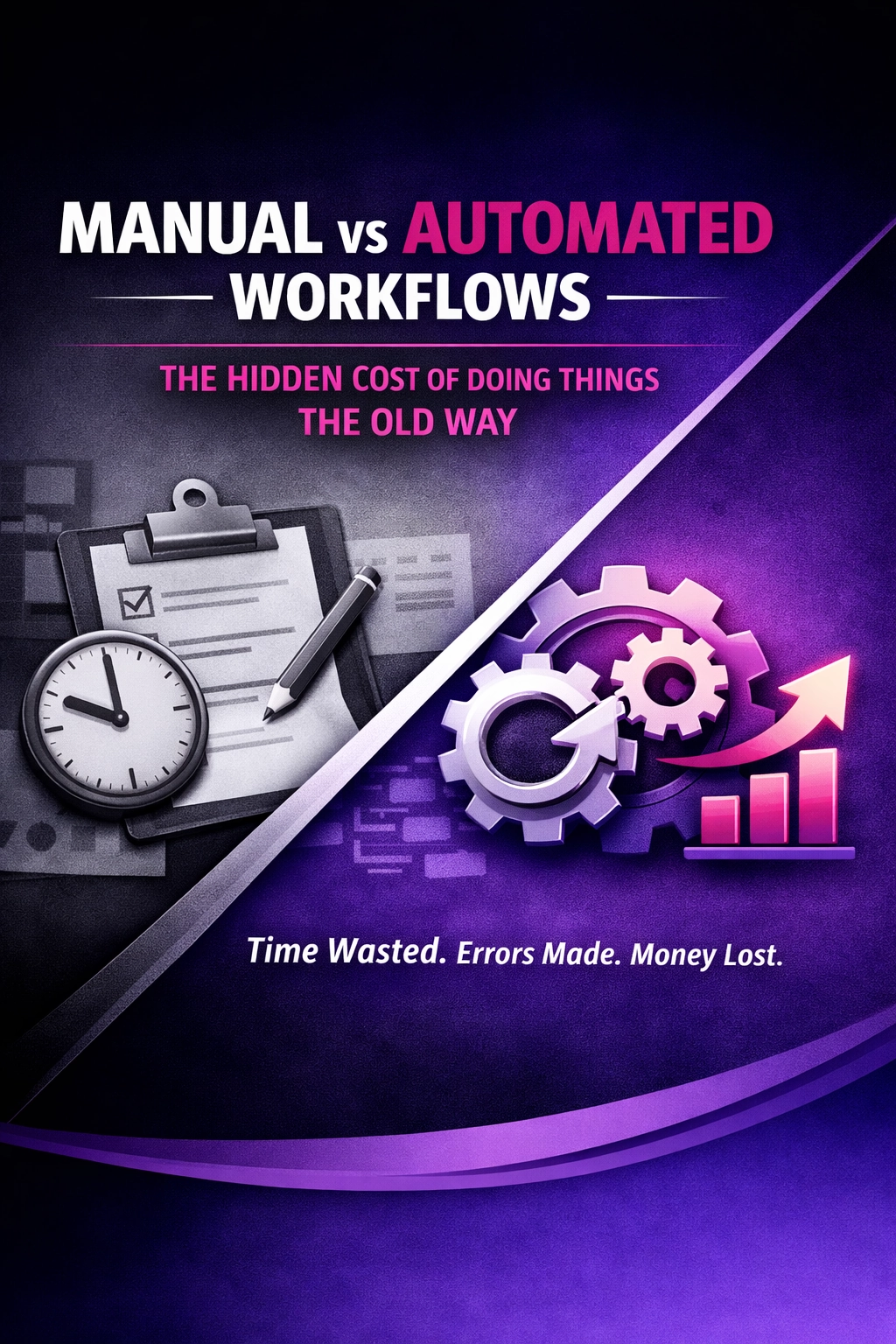
Manual workflows rely on people to move tasks from one hand to another, while automated workflows use software to route data and trigger actions without human intervention.
Position zero sits above organic results, delivering the highest visibility and often the only click‑through needed, especially on mobile and voice devices.
AEO is the practice of crafting content so it becomes the definitive answer shown in featured snippets, voice‑assistant responses and other AI‑driven answer boxes.
If you have repetitive tasks, multi-step processes, or data flowing across multiple systems, workflow automation can save time, reduce errors, and improve efficiency. Our team can help you identify the best opportunities.
Yes. By automating repetitive tasks, workflows reduce manual work, errors, and time spent on low-value tasks freeing resources to focus on revenue-generating activities.
We follow best practices for data security. Workflows only access the systems you authorize, and sensitive information is protected during automation.
Yes. We host and maintain all workflows, ensuring they run smoothly without you having to manage servers or technical setup.
Yes. Workflows can handle decision points, branching logic, and different outcomes depending on triggers or data conditions.
Workflows are built with monitoring and error handling. You get consistent results and alerts if anything needs attention.
No. Automation supports your team by removing repetitive work so they can focus on higher-value tasks.
Yes. Each workflow is built as its own product, so you can add additional workflows at any time.
etup time depends on complexity:
Simple: 1–3 days
Moderate: 1-2 weeks
Complex: 1–6 weeks All workflows are fully tested before launch.
No. Workflows are built for you. You trigger the workflow (like a form submission), and the automation handles the rest.
Almost any repetitive business task:
Lead capture and follow-ups
Customer onboarding
Multi-system updates
Notifications and alerts
Order or project management
Yes. Workflows can integrate multiple tools such as CRMs, email platforms, spreadsheets, and messaging systems to ensure data flows seamlessly.
Contact us: we’ll map your process and give you a tailored plan.
Setup and launch: your workflow will be built, tested, and fully supported.
No. Workflow automation focuses on automation logic and integration. Most business workflows use triggers, conditions, and system connections to work reliably. AI is not required for these processes.
Workflow automation connects your business systems and automates repetitive tasks. Instead of manually handling emails, forms, data updates, or lead routing, a workflow automatically executes these steps reliably, saving time and reducing errors.
Prompt/Mode Commands are a shortcut language that tells AI which mode to use – blunt truth, simple language, red‑team analysis, Hormozi‑style offers, human‑tone, future‑focus, unlearning, 80/20 or Socratic questioning.
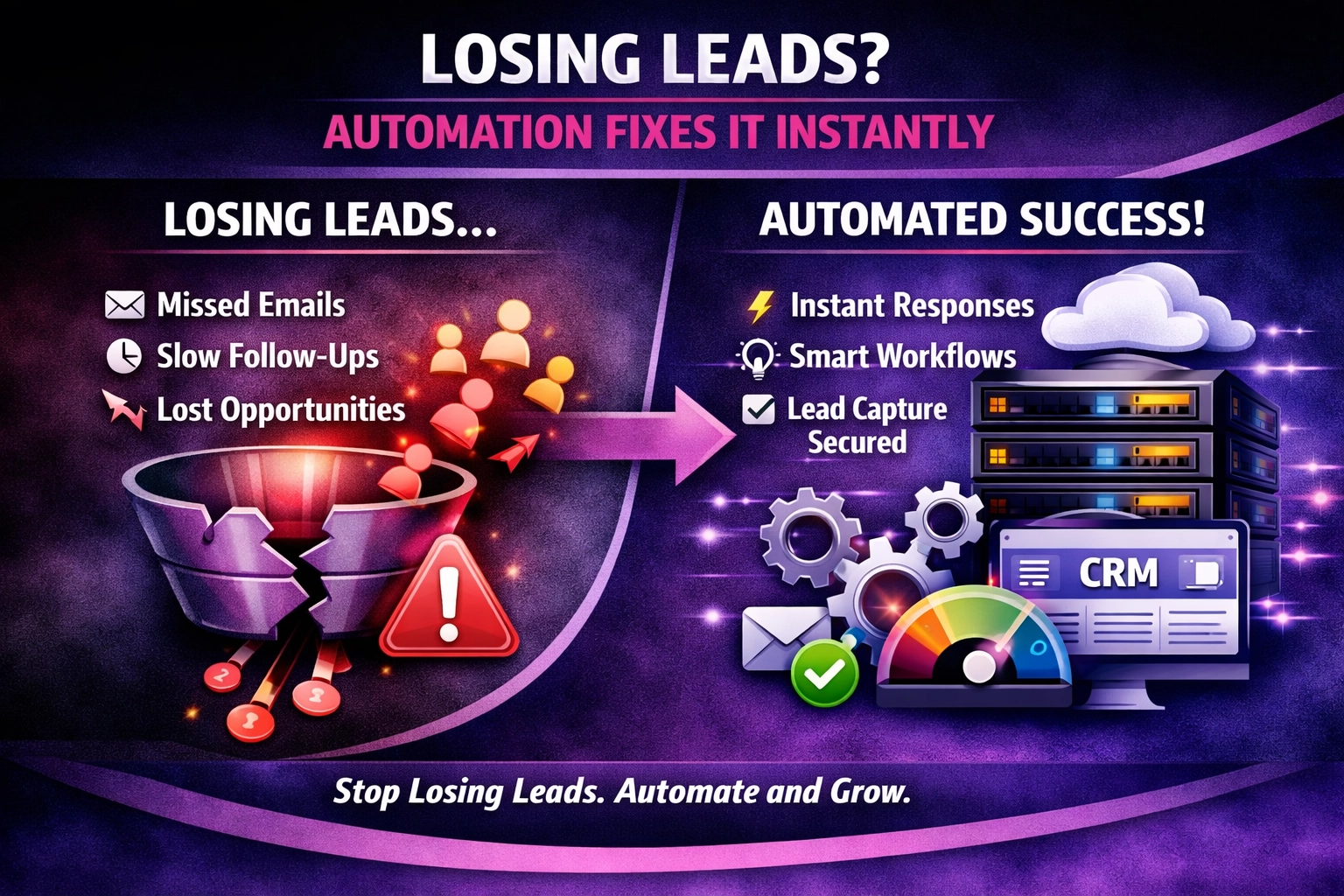
At We Do The Web Digital Marketing Agency we know a website must work harder than you do – but the most beautiful site means nothing if leads slip through the cracks. Losing Leads? Here’s How Automation Fixes It Instantly is the question we hear from SMEs that watch inquiries land in an email inbox […]
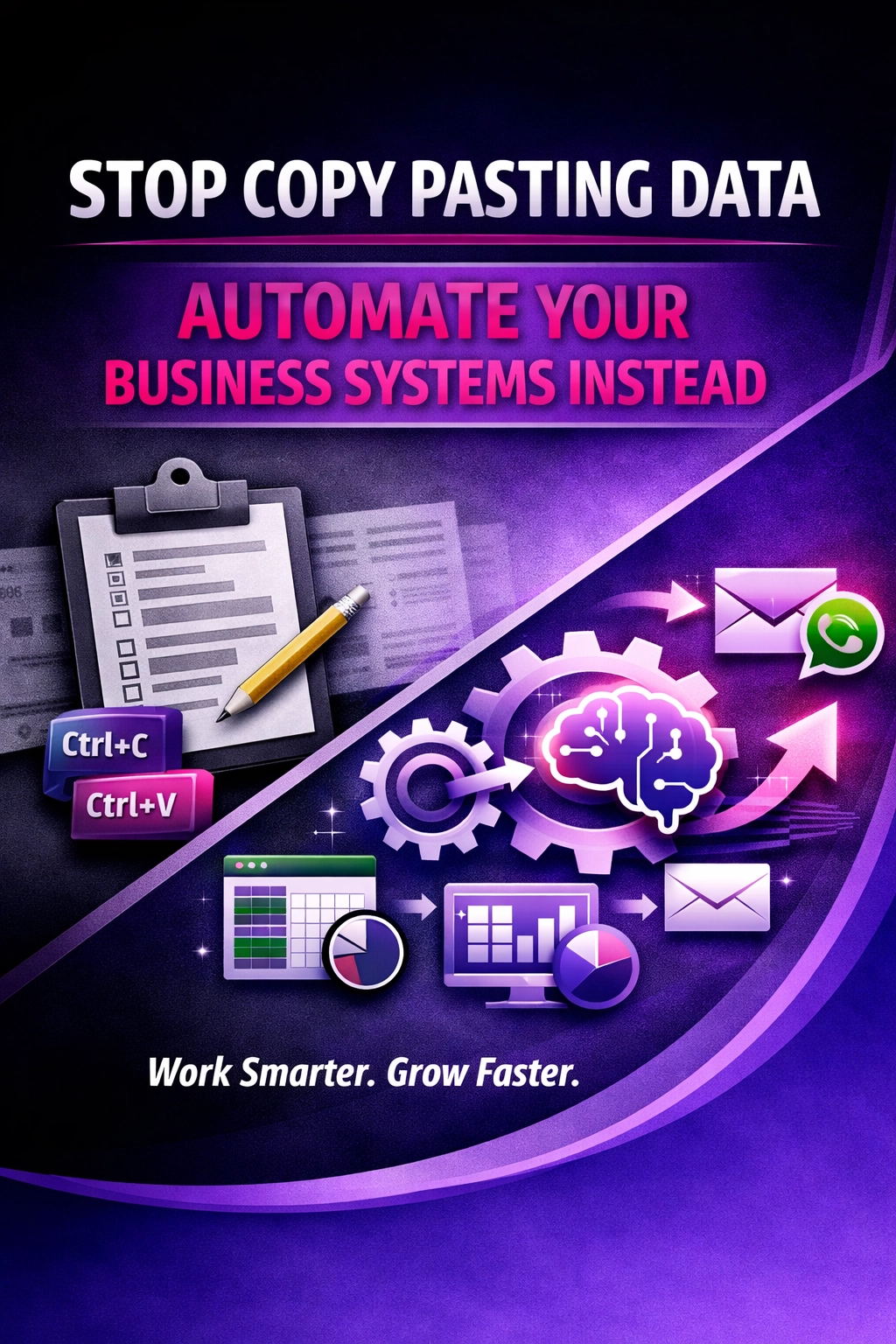
Manual copy‑pasting drags SMEs into error‑heavy, slow processes. Find out how automation replaces those painful steps and frees your team to focus on growth.
Learn how AI and workflow automation differ, why you need both, and practical tips to combine them for a more efficient, future‑ready business.
Session Var Dump
array(0) {
}
Print Arrays
$failureArray
$successArray
About
We Do The Web is a leading digital marketing agency offering a comprehensive range of services to help businesses succeed online. Our expert team specializes in creating customized strategies in SEO, social media, content marketing, and web design. We’re here to elevate your brand, increase your visibility, and help you achieve measurable growth in today’s digital landscape.