We Do The Web Digital Marketing Agency understand that technology isn’t a set of isolated tools, it’s a toolbox. Two of the most powerful tools in that box today are AI + Workflow Automation. While they are often mentioned together, they solve different problems. Getting the distinction right, and then using both, is the secret to building a business that runs faster, smarter and stays ahead of the competition.
AI + Workflow Automation combine to turn routine tasks into intelligent, self‑driving processes. AI provides the decision‑making brain, analysing data and predicting outcomes, while workflow automation delivers the execution engine that moves work from step to step without human intervention. Together they boost efficiency, accuracy and scalability.
What Is AI?
Artificial Intelligence (AI) is a set of technologies that enable computers to mimic human cognition, recognising patterns, learning from data and making predictions or decisions without explicit programming. AI powers everything from chat‑bots that answer customer queries to predictive analytics that forecast demand, and even content generation that supplies fresh copy for your website.
What Is Workflow Automation?
Workflow automation is the practice of designing, building and deploying repeatable processes that move work automatically between people, systems and data stores. Using tools such as Zapier, Microsoft Power Automate or native platform integrations, a workflow can trigger an email, update a CRM record, generate an invoice or push data to a dashboard, all without a human having to click “send”.
Why It Matters
AI Supplies the Brain, Automation Supplies the Muscles
AI can decide what should happen, for example, “if a lead’s engagement score exceeds 80, qualify them as sales‑ready”. Workflow automation then does what needs to be done, move the lead into the sales pipeline, notify the account manager and schedule a follow‑up call.
Competitive Edge Through Speed
Customers now expect instant responses. A combined AI‑automation stack can reply to queries, process orders or flag anomalies in seconds, shaving precious minutes off the customer journey and reducing churn.
Data‑Driven, Error‑Free Processes
Human‑entered workflows are prone to oversight. AI + automation ensures data is validated, duplicated entries are prevented and compliance checks are performed automatically, keeping you audit‑ready and trustworthy.
Benefits of Combining AI + Workflow Automation
Higher Productivity: Employees are freed from repetitive data entry and can focus on strategic, creative work.
Improved Accuracy: AI‑powered validation catches errors before they enter downstream systems.
Scalable Operations: As demand spikes, the automated workflow scales instantly, while AI continuously learns to optimise the process.
Better Customer Experience: Real‑time, personalised interactions created by AI and delivered instantly by automation delight customers.
Actionable Insights: Automated data collection feeds AI models, producing dashboards that highlight bottlenecks and opportunities.
Challenges & Common Misconceptions
Misconception
Reality
AI can replace all humans.
AI excels at analysis and prediction, but it still needs human context for strategy and empathy.
Automation is “set‑and‑forget”.
Workflows need monitoring, version control and regular optimisation as business rules evolve.
You must choose one or the other.
The magic happens when AI informs automation and automation executes AI‑driven decisions.
Implementation is prohibitively expensive.
Cloud‑based AI services and low‑code automation platforms make entry‑level projects affordable for SMBs.
How to Implement Both (Actionable Tips)
Map Repetitive Processes: List tasks that involve data movement, approvals or notifications.
Identify Decision Points: Spot where a human normally decides “yes/no” or “next step”. Those are prime AI opportunities.
Choose a Low‑Code Automation Platform: Zapier, Make (formerly Integromat), Power Automate or HubSpot Workflows integrate with most AI services via APIs.
Add an AI Layer: Use pre‑built models (Google Cloud AI, Microsoft Azure Cognitive Services, OpenAI) to analyse data, score leads or classify content.
Connect AI to the Workflow: Pass AI outputs (e.g., a confidence score) into the automation trigger conditions.
Test in a Sandbox: Run the end‑to‑end flow with sample data, verify that AI predictions are accurate and automation actions fire correctly.
Monitor & Optimise: Set up logging, alerting and regular review cycles. Retrain AI models as new data arrives and tweak workflow steps to remove friction.
Real‑World Example
Case Study Retailer’s Order Fulfilment A mid‑size fashion retailer was struggling with order‑processing delays. They implemented an AI model that predicted the likelihood of a stock‑out based on historical sales and current inventory. The model fed a probability into a workflow automation built in Microsoft Power Automate:
If stock‑out probability > 70 %, the workflow automatically creates a purchase request, notifies the supplier and updates the customer’s order status.
If probability < 30 %, the order proceeds through the standard fulfilment path.
Result after 3 months: order‑processing time fell from 48 hours to 12 hours, stock‑out incidents dropped by 35 %, and customer satisfaction scores rose by 22 %.
The Future of AI + Workflow Automation
By 2028, AI‑driven orchestration platforms will allow you to design “self‑optimising” workflows that automatically adjust trigger thresholds based on real‑time performance data. Expect:
AI‑generated workflow recipes that adapt to new SaaS applications as they appear.
Generative AI that writes workflow logic in plain English, turning a marketing brief into an executable automation in seconds.
Edge‑AI where decisions are made locally on devices (e.g., IoT sensors) and instantly fed into cloud‑based automation pipelines.
Preparing now with a solid AI‑automation foundation puts your business at the forefront of this shift.
What is the difference between AI and workflow automation?
AI provides the decision‑making brain that analyses data and predicts outcomes, while workflow automation supplies the execution engine that moves tasks from step to step without human intervention.
Do I need AI to benefit from workflow automation?
No, you can automate simple rule‑based tasks without AI. However, adding AI enables the workflow to make smarter, data‑driven decisions, increasing accuracy and value.
Can small businesses afford AI + automation?
Yes. Cloud‑based AI services (e.g., Azure Cognitive Services, OpenAI) and low‑code automation platforms have pay‑as‑you‑go pricing, making entry‑level projects affordable for SMBs.
How do I start integrating AI with my existing workflows?
Begin by mapping repetitive processes, identify decision points that could be enhanced with AI, choose a low‑code automation tool, connect an AI service via API, test in a sandbox and iterate.
What are the biggest pitfalls to avoid?
Treating AI as a set‑and‑forget solution, neglecting data quality, failing to monitor performance, and attempting to automate every task without assessing ROI.
How can We Do The Web help me?
We audit your current processes, design AI‑enhanced workflows, integrate the best AI models and automation platforms, and provide ongoing optimisation to ensure you reap maximum efficiency gains.
Conclusion Why You Need Both
AI + Workflow Automation isn’t just a buzzword; it’s a pragmatic strategy forward businesses. By pairing AI’s analytical brain with automation’s execution muscles, you create self‑driving processes that scale, reduce error and delight customers.
If you’re ready to future‑proof your operations, contact We Do The Web Digital Marketing Agency today. We’ll help you design, implement and optimise the perfect AI‑automation ecosystem for your business.
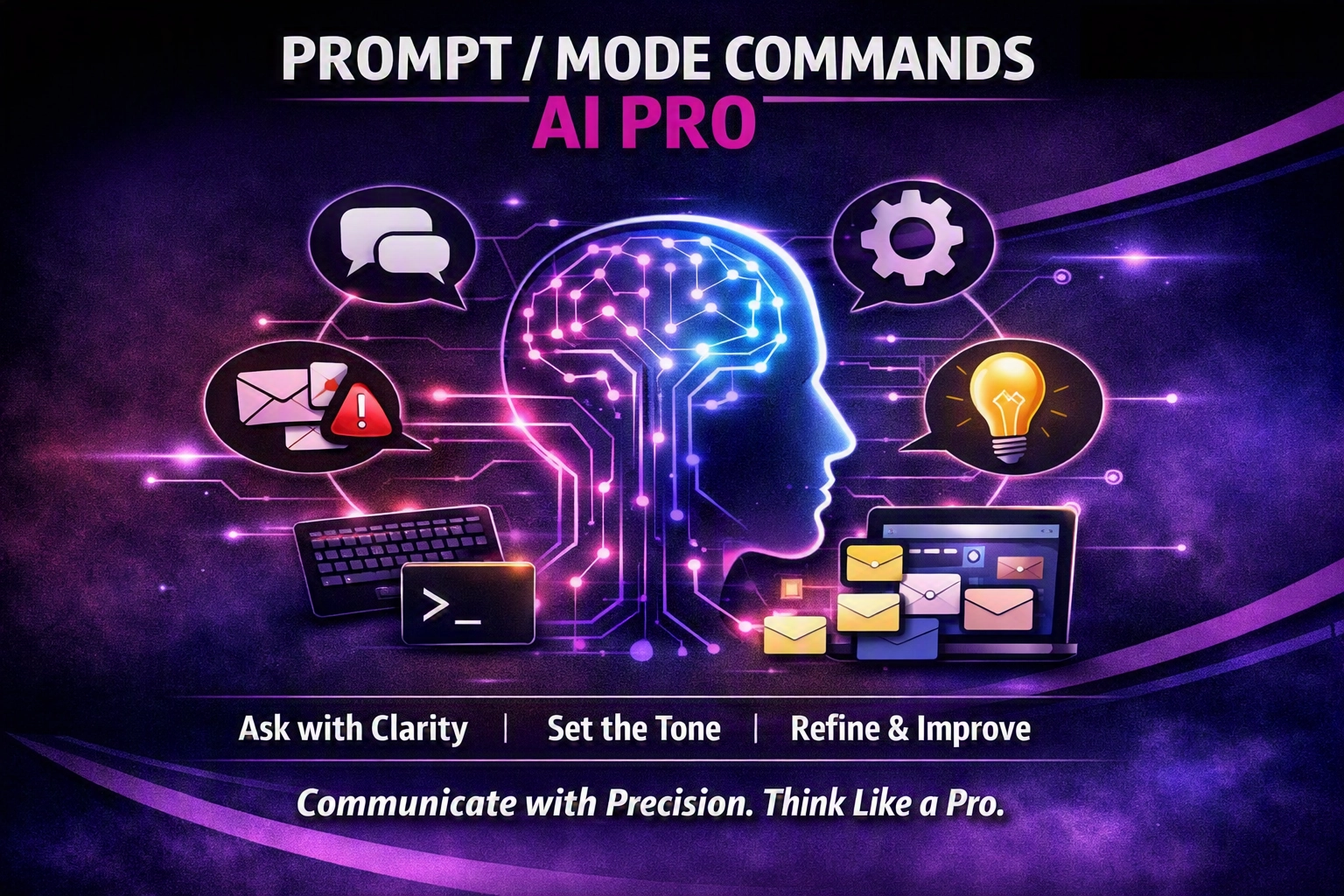
Prompt/Mode Commands are a shortcut language that tells AI which mode to use – blunt truth, simple language, red‑team analysis, Hormozi‑style offers, human‑tone, future‑focus, unlearning, 80/20 or Socratic questioning.
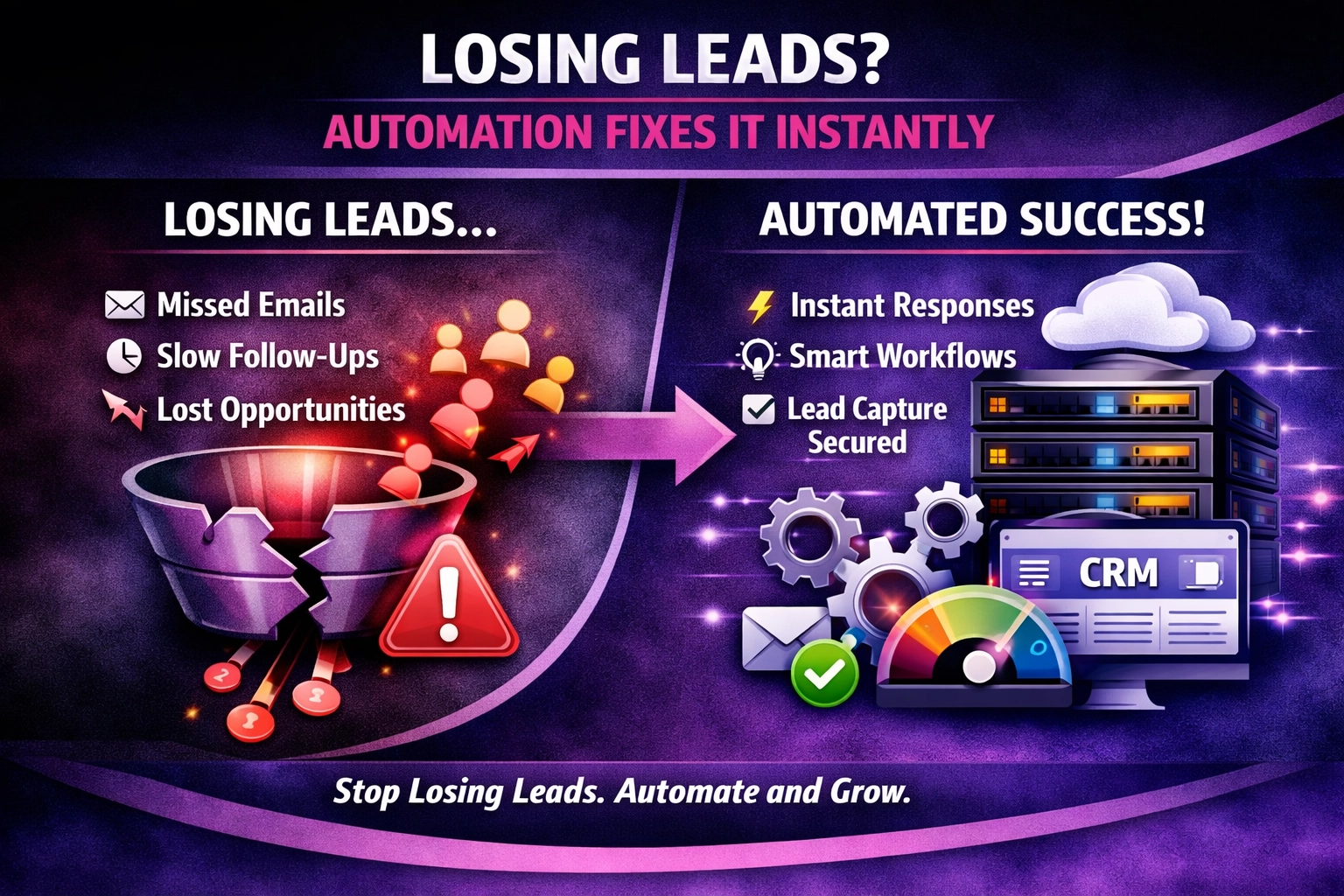
At We Do The Web Digital Marketing Agency we know a website must work harder than you do – but the most beautiful site means nothing if leads slip through the cracks. Losing Leads? Here’s How Automation Fixes It Instantly is the question we hear from SMEs that watch inquiries land in an email inbox […]
A domain name’s life isn’t linear – it moves through registration, active use, renewal, expiration, redemption, pending deletion and final removal. Master each phase to protect your brand.
We Do The Web is a leading digital marketing agency offering a comprehensive range of services to help businesses succeed online. Our expert team specializes in creating customized strategies in SEO, social media, content marketing, and web design. We’re here to elevate your brand, increase your visibility, and help you achieve measurable growth in today’s digital landscape.