The Complete Domain Name Lifecycle From Registration to Deletion
A domain name’s life isn’t linear – it moves through registration, active use, renewal, expiration, redemption, pending deletion and final removal. Master each phase to protect your brand.
At We Do The Web Digital Marketing Agency we know that a website must work harder than you do, and that starts with the very address people type into their browser. Understanding the Domain Name Lifecycle is essential for protecting your brand, avoiding costly downtime and keeping your online presence under your control from day one to the day it disappears. In this guide we walk you through every stage, registration, active use, renewal, expiration, redemption, pending deletion and final deletion and give you practical tips for managing each phase like a pro.
A domain name lifecycle covers registration, active ownership, renewal, expiration, redemption (with a penalty fee), pending deletion and final deletion. Managing each stage prevents loss of the domain, protects brand reputation and ensures you can re‑register if needed.
Domain Registration Claiming the Right to Your Brand
When you first purchase a domain, you’re essentially renting a piece of internet real‑estate for a set period (usually one year). The registrar records your contact details in the WHOIS database and points DNS records to the hosting server you configure.
Key actions:
Choose a reputable registrar (ICANN‑accredited).
Register the exact domain that matches your brand (include relevant extensions .co.za, .com, .org, etc.).
Enable domain privacy to hide personal details from public WHOIS look‑ups.
Active Domain Period Keeping the Site Live
During the active period you own the domain and can use it for a website, email, sub‑domains and DNS‑based services. This is the phase where you focus on user experience and search‑engine visibility.
Best practices:
Keep contact information up‑to‑date in the registrar’s portal.
Set up automatic DNS backups (e.g., using Cloudflare or your hosting provider).
Monitor SSL/TLS certificate expiry an expired certificate can render the site inaccessible even though the domain is still active.
Domain Renewal Extending the Lease
Renewal is simply paying the registrar to extend your ownership for another term (1‑10 years). Most registrars offer auto‑renew to avoid accidental expiry.
Renewal checklist:
Enable auto‑renew well before the expiry date (30 days is a safe window).
Verify the renewal price some registrars increase fees after the first year.
Keep a separate payment method on file to avoid renewal failures.
Expired Domain The First Warning Sign
If renewal fails, the domain moves into an expired status. The DNS entries stop resolving, and any email sent to the address bounces. The domain is still registered to you, but you lose control of the website.
What you’ll see:
The registrar sends warning emails (often daily).
The website shows a “Domain Expired” landing page provided by the registrar.
Traffic drops to zero a big SEO hit if not addressed quickly.
Redemption Period The Penalty Fee Phase
After a grace period (usually 30 days), the domain enters the Redemption Period. It is still yours, but the registrar locks it and charges a redemption fee (often 80‑150 % of the normal renewal price) to recover the domain.
Why the fee is high:
The registrar has to manually restore the domain and re‑publish DNS records.
The fee compensates for the additional administrative work and for the risk of losing the domain to a third party.
What to do:
Pay the redemption fee immediately if you still need the domain.
If you no longer need it, let it move to Pending Deletion (no extra cost).
Pending Deletion The Countdown to Release
Once the redemption fee is paid (or the domain is abandoned), it enters Pending Deletion. This is a short, automated stage (typically 5 days) where the registry prepares to purge the domain from the global DNS.
During Pending Deletion:
The domain cannot be renewed, transferred or restored.
All DNS records are wiped.
The domain is invisible to the public internet.
Domain Deletion & Re‑Registration Back on the Market
After the pending‑deletion window closes, the domain is fully deleted from the registry and returns to the public pool. At that moment anyone can register it again including competitors.
How to protect yourself:
Back‑order the domain before it drops, using a service like GoDaddy Auctions, Name.com or SnapNames.
Keep a watchlist on the domain through a monitoring tool (e.g., DomainTools).
If you truly want to keep the name, consider registering a matching .co.za and .com version simultaneously to block squatters.
Benefits of Managing the Domain Name Lifecycle
Benefit
How proactive management helps
Brand protection
Prevents competitors from hijacking an expired name.
SEO continuity
Avoids downtime that would cause loss of ranking and traffic.
Cost control
Paying renewal before the grace period sidesteps steep redemption fees.
Customer trust
A stable, always‑on domain signals professionalism to visitors and partners.
Future flexibility
Knowing the exact dates lets you plan migrations, re‑branding or domain expansions.
Actionable Tips Keep Your Domain Healthy
Set calendar reminders 30 days before expiry (even if auto‑renew is on).
The domain name lifecycle is the series of stages a domain goes through registration, active ownership, renewal, expiration, redemption (with a penalty fee), pending deletion and final deletion that determine who controls the address at any given time.
How long does the redemption period last and what fee is charged?
Redemption typically lasts 30 days after the initial grace period expires. Registrars charge a redemption fee (often 80‑150 % of the normal renewal price) to manually restore the domain to you.
Can I renew a domain after it has entered the redemption period?
Yes, but you must pay the redemption fee in addition to the normal renewal price. If you miss this window, the domain moves to pending deletion and can no longer be restored.
What happens to my website’s SEO when the domain expires?
During the expired stage the domain stops resolving, causing traffic and backlinks to disappear. Search engines treat the site as unavailable, which can result in ranking loss that may take months to recover even after renewal.
How can I protect a domain from being registered by someone else after deletion?
Use a back‑order service (e.g., GoDaddy Auctions, Name.com) to place a reservation on the domain before it drops, and consider registering common variations (typos, alternate TLDs) to block squatters.
Conclusion Take Control of Your Domain Name Lifecycle
A domain is more than a string of characters; it’s the front door to your brand’s digital world. By mastering each phase of the Domain Name Lifecycle from the moment you register to the final deletion and possible re‑registration you protect your reputation, keep SEO equity intact and avoid surprise redemption fees that can drain your budget.
We Do The Web Digital Marketing Agency can set up automated renewal alerts, configure DNS redundancy and even back‑order a domain for you so you never lose control.
We build these for you contact us today and let our experts safeguard your online identity from registration to deletion.
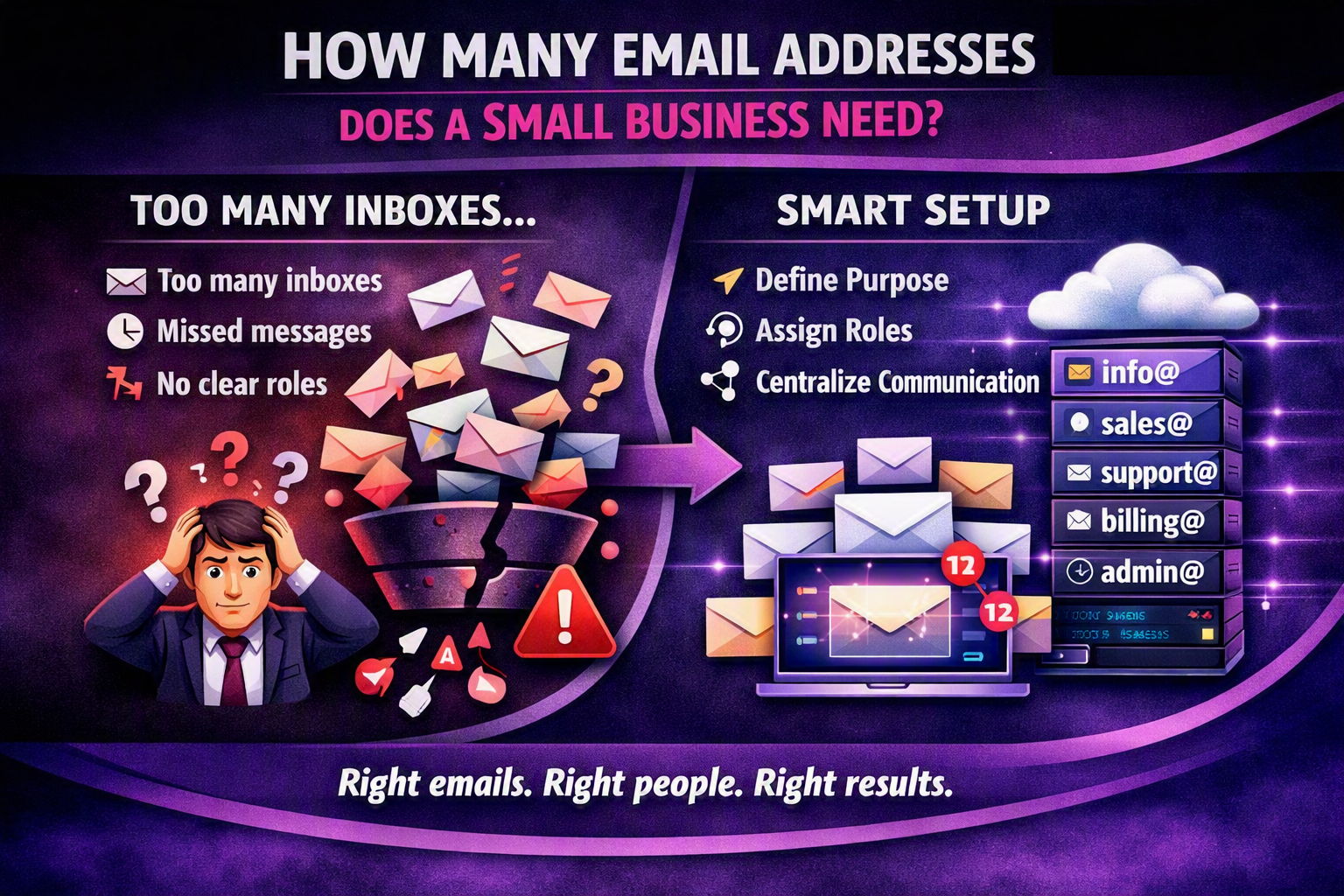
A small business typically needs 4‑6 dedicated email addresses (info@, sales@, support@, billing@, admin@ and a personal address for the owner) to maintain branding, streamline communication and protect against data loss. Adding department‑specific aliases improves deliverability and makes it easier to automate workflows.
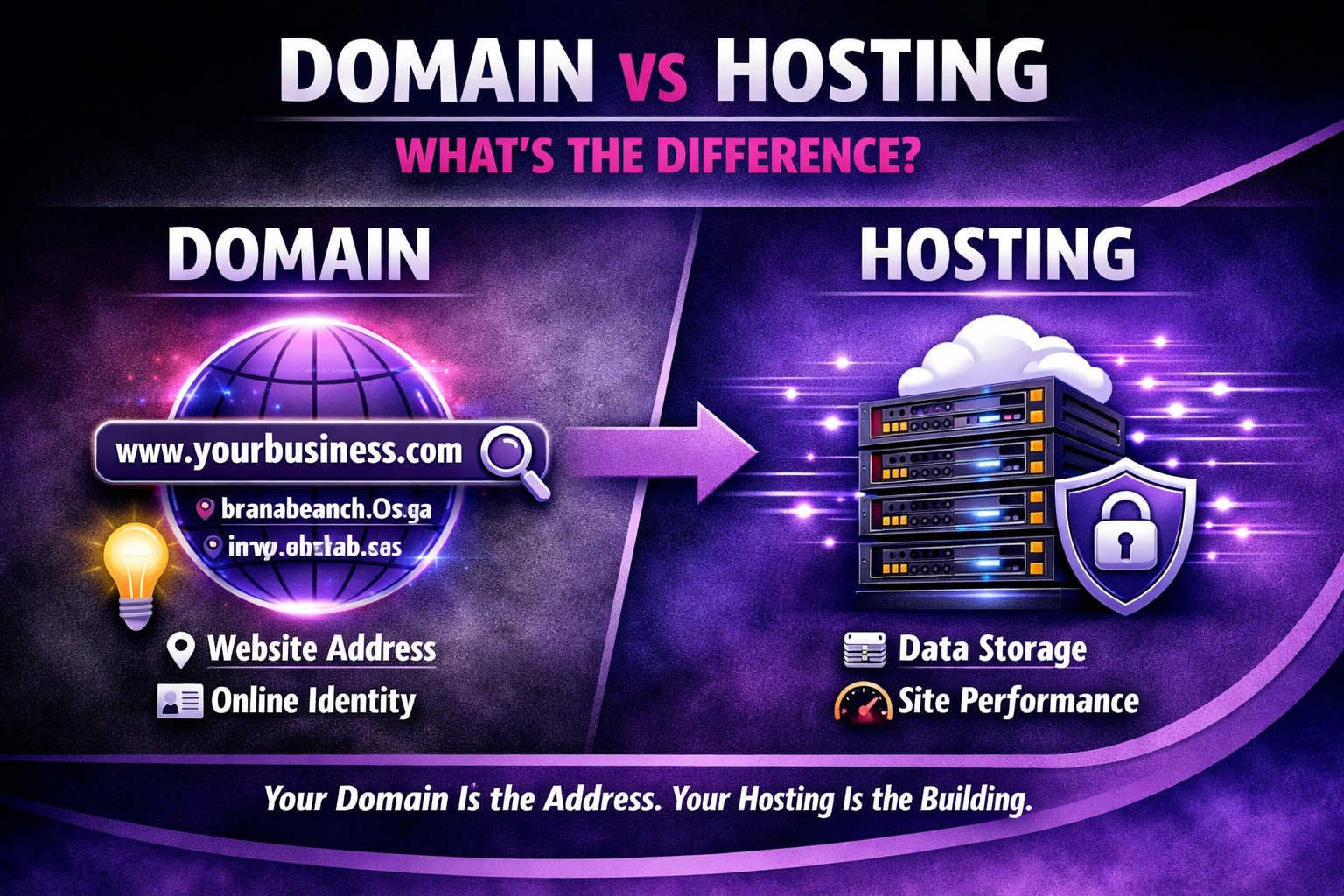
At We Do The Web Digital Marketing Agency, we understand that choosing the right domain and hosting services can be a daunting task. In this guide, we’ll walk you through the essential considerations when selecting a domain and hosting service for your website. FeaturedA domain is the address of your website (e.g., www.example.com), while hosting […]
We Do The Web is a leading digital marketing agency offering a comprehensive range of services to help businesses succeed online. Our expert team specializes in creating customized strategies in SEO, social media, content marketing, and web design. We’re here to elevate your brand, increase your visibility, and help you achieve measurable growth in today’s digital landscape.