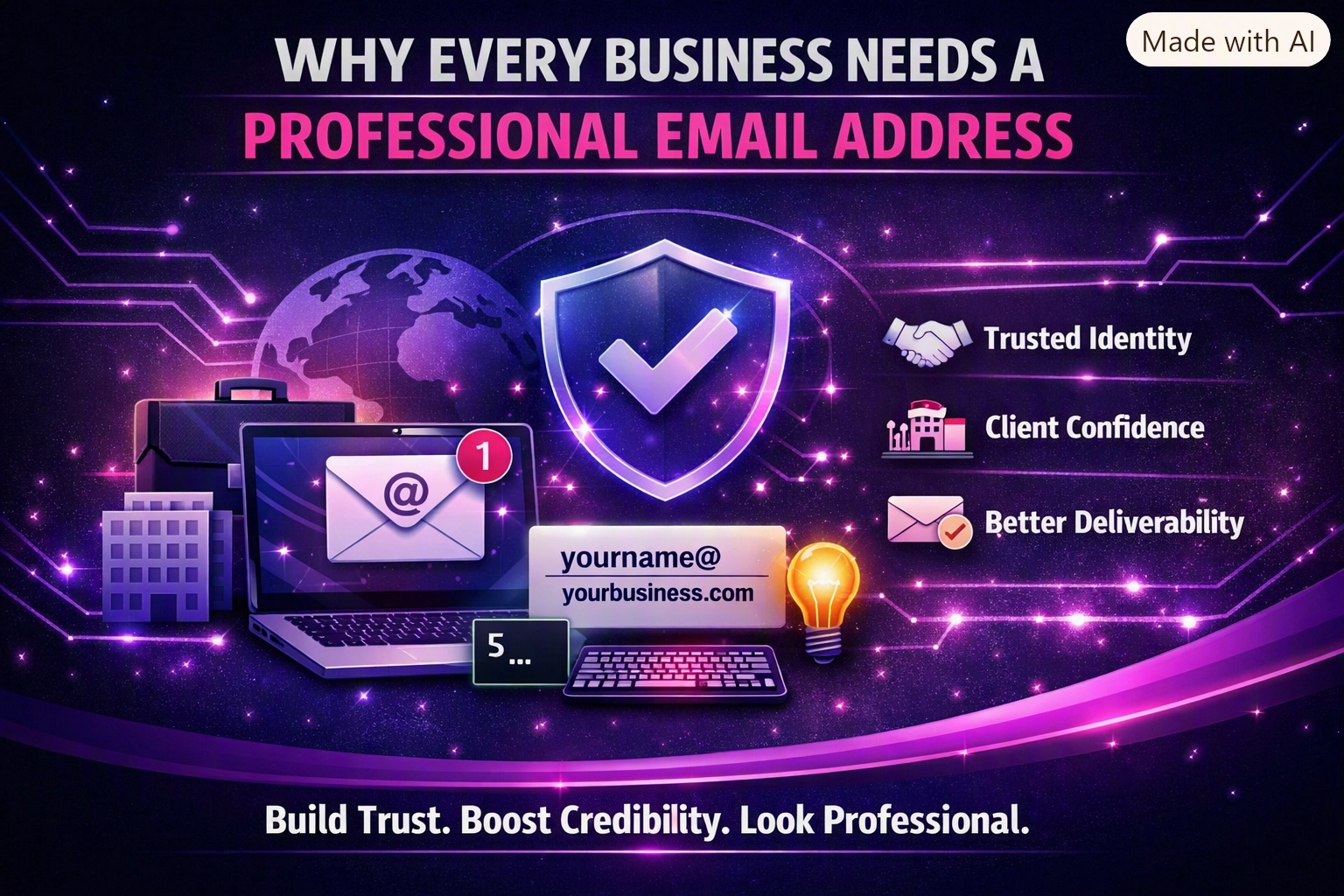
Why Every Business Needs a Professional Email Address
First impressions are everything. Learn why switching from a free email to a professional address is the simplest way to boost your brand’s credibility.
At We Do The Web Digital Marketing Agency we understand that a website must work harder than you do – the same principle applies to the email system that powers every client interaction. Why your business should NOT use Gmail is the question we answer in this post, exposing the hidden costs of relying on a consumer‑grade inbox and showing you the professional alternatives that protect your brand, your data and your bottom line.
Gmail lacks enterprise‑grade security, brand control, compliance features and reliable archiving, exposing businesses to data breaches, lost leads and regulatory penalties. Switching to a professional email solution gives you encrypted communications, custom domains, audit trails and the scalability you need to grow safely.
Gmail is a free, consumer‑focused email service designed for personal use. It provides a slick UI and generous storage, but it was never intended to meet the rigorous demands of a growing company. When a business adopts Gmail as its primary communication channel, it inherits a set of limitations that quickly become strategic liabilities.
| Area | What Gmail offers | Why it matters for a business |
|---|---|---|
| Security | Two‑step verification, TLS in transit | No end‑to‑end encryption, limited admin controls, higher susceptibility to phishing and credential‑stuffing attacks. |
| Domain branding | @gmail.com address | No custom domain, which weakens brand credibility and confuses prospects. |
| Compliance | Basic Google Workspace compliance (GDPR, etc.) | No built‑in archiving, e‑Discovery, or granular data‑retention policies required by many industries (e.g., finance, health). |
| Control & Auditing | Individual account settings | No centralized admin view, no audit logs, making it impossible to enforce policies or investigate incidents. |
| Integration limits | Google Docs, Drive, Meet | Lack of native integration with CRMs, ticketing systems and other business apps, leading to manual copy‑pasting and data silos. |
| Service Level Agreement (SLA) | “Best effort” uptime | No guaranteed uptime or support SLAs, risking downtime that can impact client communication. |
Because of these gaps, human error spikes (e.g., sending from the wrong address), lost leads slip through the cracks, and response times stretch as staff juggle multiple tools to compensate for Gmail’s shortcomings.
When employees use a generic @gmail.com address, every outbound email looks personal rather than corporate. A typo in the address or forgetting to attach a file is far more likely when you’re juggling a personal inbox alongside work. Mistakes damage trust and can cost a sale.
Gmail does not automatically route inbound enquiries to a CRM or assign them to a sales rep. Leads often sit unread in a crowded inbox or are mistakenly marked as spam, resulting in revenue leakage that is hard to quantify but real.
Without workflow automation, every reply, follow‑up or ticket creation requires manual effort. The extra minutes add up, especially during high‑volume periods, and customers notice the delay.
Regulated industries (finance, health, legal) must retain communications for defined periods and be able to produce them on demand. Gmail’s lack of immutable archiving means you risk fines, legal penalties and reputation damage.
| Benefit | How it solves the problem |
|---|---|
| Custom domain (@yourcompany.com) | Reinforces brand credibility on every message. |
| Enterprise‑grade security (DMARC, SPF, DKIM, encryption) | Reduces phishing risk and protects data in transit and at rest. |
| Centralised admin console | Enforce password policies, enable MFA, view audit logs and revoke access instantly. |
| Compliance tools (archiving, e‑Discovery, retention policies) | Meet legal obligations and avoid costly penalties. |
| Native integrations (CRM, help‑desk, marketing automation) | Eliminate manual copy‑pasting, ensure leads land in the right pipeline automatically. |
| SLA‑backed uptime & 24/7 support | Guarantees that your email is always available for customers. |
| Scalable storage and licensing | Pay only for what you need and grow without re‑engineering the system. |
Before: A prospect fills out a web form, the data lands in a Gmail inbox, and a sales rep manually copies the details into the CRM. Occasionally the email is missed, the data is entered incorrectly, and the lead is lost.
After: The form triggers an API call that creates a CRM contact instantly, sends an automated acknowledgement email from a @yourcompany.com address, and notifies the appropriate rep via a Slack message.
Before: Finance receives supplier invoices via individual Gmail accounts, forwards them to a shared mailbox and manually records them in accounting software. Errors in attachment handling cause payment delays.
After: A dedicated professional email address receives invoices, an automation extracts PDF data, validates it against purchase orders and posts the entry directly into the accounting system, logging every step for audit.
Before: New hires are asked to send personal details to a personal Gmail account, which HR then copies into multiple HRIS tools. Missing fields and duplicated data are common.
After: A secure HR email address captures onboarding forms, triggers a workflow that creates the employee record, provisions accounts (email, Slack, payroll) and sends a welcome packet, all without manual data entry.
Before: The marketing team uses personal Gmail accounts for outreach, leading to inconsistent signatures and a higher spam score.
After: A dedicated marketing domain sends bulk campaigns through an email‑marketing platform that uses SPF/DKIM, tracks opens/clicks and feeds engagement data back into the CRM for lead scoring.
Once you have a secure, centrally managed email system, you can layer AI on top:
Your email becomes not just a communication tool but a data source that powers intelligent, automated business processes.
Because Gmail lacks enterprise‑grade security, custom domain branding, compliance archiving and central admin control, exposing you to data breaches, lost leads and regulatory penalties.
Employees must manually copy data between Gmail and other tools, increasing the chance of typos, missed attachments and sending from the wrong address – all of which erode trust and cost revenue.
Gmail does not provide immutable archiving, e‑Discovery or granular retention policies required by many regulations (e.g., GDPR, HIPAA, PCI‑DSS), putting you at risk of fines.
Yes. A business email can be linked directly to your CRM via native integrations, ensuring every inbound inquiry is logged automatically and assigned to the right sales rep.
With the right migration tools (Google Workspace Migration, Microsoft FastTrack, or third‑party services) the switch can be performed with minimal downtime and no loss of historic email data.
While there is a subscription fee, the ROI comes from reduced lost leads, lower security incident costs, compliance peace of mind and time saved from manual processes – often paying for itself within months.
Your email is the front line of every client interaction. Why your business should NOT use Gmail is simple: the hidden costs in security, brand perception, compliance and efficiency far outweigh the convenience of a free inbox.
We Do The Web Digital Marketing Agency specialises in migrating SMEs from consumer‑grade email to a robust, centrally managed system that safeguards data, reinforces your brand and integrates seamlessly with your CRM, help‑desk and marketing platforms.
We build these for you – contact us today and let our experts design a secure, compliant email environment that works harder than you do.
June 1, 2026
We Do The Web
First impressions are everything. Learn why switching from a free email to a professional address is the simplest way to boost your brand’s credibility.
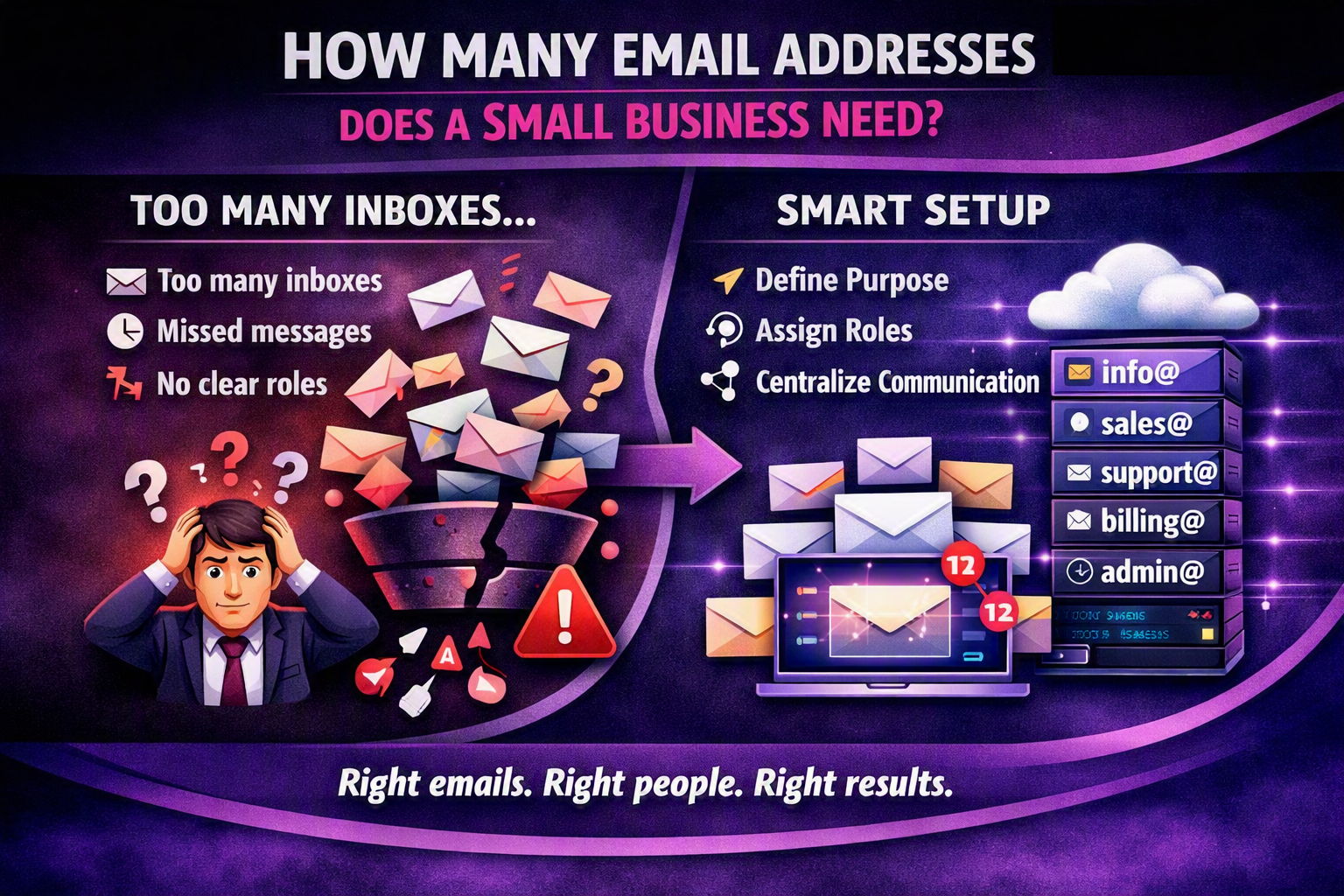
A small business typically needs 4‑6 dedicated email addresses (info@, sales@, support@, billing@, admin@ and a personal address for the owner) to maintain branding, streamline communication and protect against data loss. Adding department‑specific aliases improves deliverability and makes it easier to automate workflows.
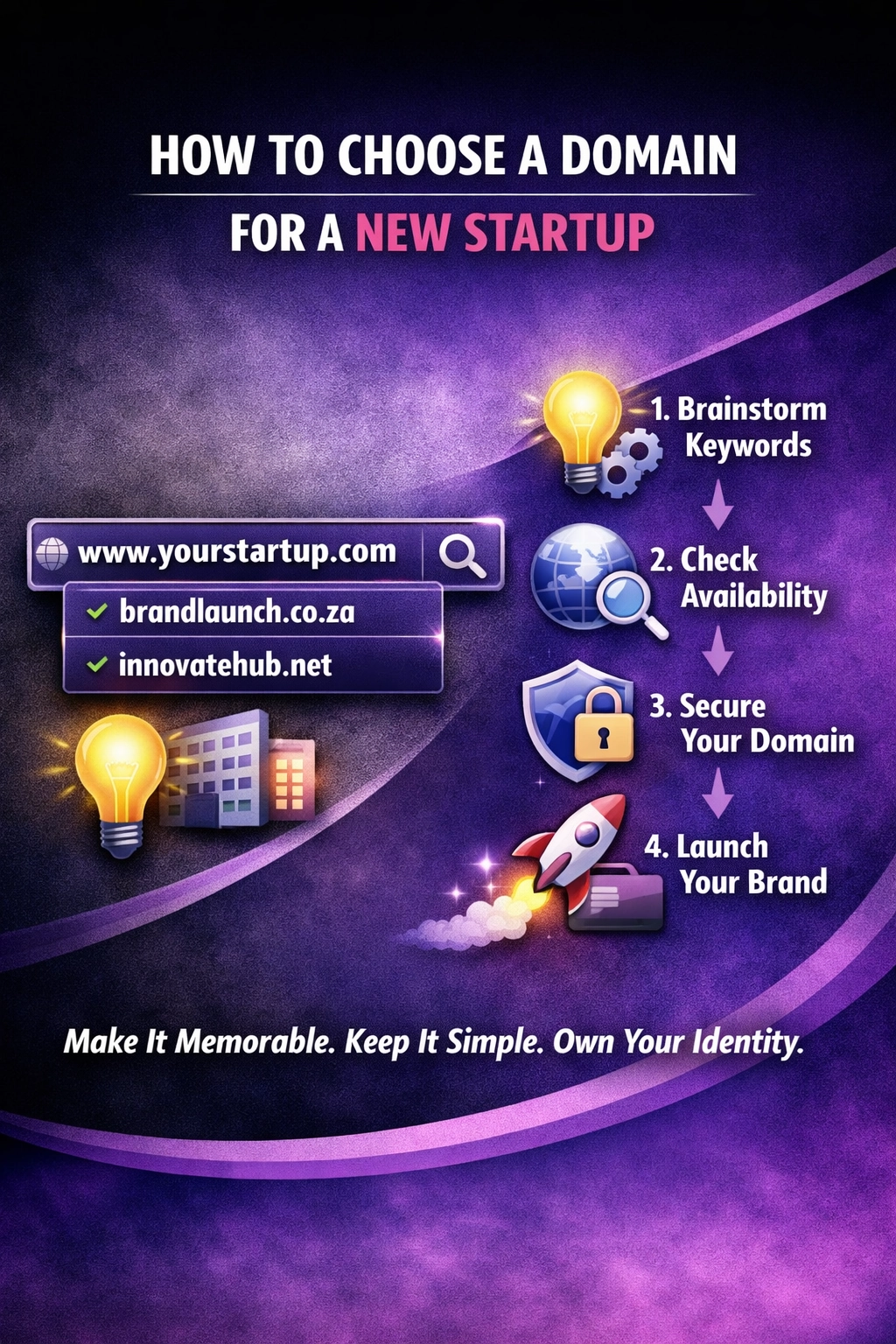
Choosing the right domain name is crucial for any new startup learn how to make the best choice for your business’s online presence.
Design trends and technology evolve—has your website kept up? We specialize in modern, cutting-edge designs that keep your business looking fresh and relevant.
array(0) {
}