
Why Every Business Needs a Professional Email Address
First impressions are everything. Learn why switching from a free email to a professional address is the simplest way to boost your brand’s credibility.
At We Do The Web Digital Marketing Agency we know that a website must work harder than you do, but the hidden cost of an office full of spreadsheets can be even worse. Stop Copy‑Pasting Data Automate Your Business Systems Instead is the mantra that will free small‑to‑medium enterprises (SMEs) from endless manual hand‑offs, human error and wasted hours. In this post we’ll expose the pain points of copy‑pasting and show you exactly how automation can turn those repetitive chores into a smooth, error‑free flow.
Copy‑pasting data in Excel leads to human error, lost leads and slow response times. By automating data transfers between business systems you eliminate manual hand‑offs, gain real‑time accuracy and free your team to focus on higher‑value work. The hidden cost of manual spreadsheets is time, money and missed opportunities.
Most SMEs still run core processes – lead capture, invoicing, inventory tracking – in isolated Excel files. An employee opens one sheet, selects a range, copies it, opens another file and pastes. It sounds simple, but the reality is a cascade of hidden risks:
The result is a business that appears to be working but is actually working against itself.
| Hidden cost | Real‑world impact |
|---|---|
| Data duplication | Multiple versions of the same list lead to conflicting reports. |
| Time waste | Staff spend hours each week copying tables instead of selling or innovating. |
| Error‑driven churn | Incorrect invoices cause payment disputes and damage brand trust. |
| Scalability limits | When the team grows, the spreadsheet nightmare multiplies exponentially. |
The pain is universal: you can see the spreadsheet, but you cannot see the hidden revenue that is slipping away.
Instead of moving data through a human hand, use APIs or integration platforms (Zapier, Make, Power Automate) to push information from your lead‑capture form straight into the CRM, inventory software or accounting system.
Automation can check format, required fields and duplicate records before the data lands in the destination system, eradicating the “I entered the wrong number” problem.
All data lives in a single source of truth; a live dashboard shows you up‑to‑date metrics without ever opening a spreadsheet.
Every automated action is logged automatically – you instantly know who triggered a change, when and why, satisfying audit requirements with zero effort.
Once the workflow is built, it runs for an unlimited number of records. Adding a new employee or a new product line does not increase the workload.
| Department | Manual Pain Point | Automated Solution |
|---|---|---|
| Sales | Exporting leads from a web form into Excel, then manually uploading to the CRM. | A trigger in the form creates a CRM contact instantly; a follow‑up email is sent automatically. |
| Finance | Copying invoice rows from a supplier spreadsheet into the accounting system. | An integration reads the supplier CSV, creates the invoice in Xero/QuickBooks and flags any mismatches. |
| Operations | Updating inventory counts by manually copying numbers from the warehouse sheet to the shop system. | A sensor‑or‑barcode trigger updates stock levels in the e‑commerce platform in real time. |
| HR | Transferring employee details from a recruitment spreadsheet into the payroll system. | A workflow moves new‑hire data to the payroll software, creates email accounts and sends a welcome package. |
Each of these examples removes at least one copy‑paste step, delivering measurable time savings and error reduction.
When you automate the mundane, you create a data‑rich foundation for AI. With clean, real‑time data you can later layer on:
In other words, today’s automation is tomorrow’s AI‑powered competitive edge.
Internal Links
Human error, lost leads and slow response times. A single misplaced cell can corrupt an entire dataset, leading to costly mistakes and missed opportunities.
Low‑code platforms like Zapier, Make or Power Automate provide drag‑and‑drop interfaces that let non‑technical staff create functional workflows in minutes.
Automation eliminates repetitive hand‑offs, so the same task that took ten minutes manually can be completed in seconds, freeing staff to focus on value‑adding activities.
Sales typically sees the quickest ROI because automated lead capture and follow‑up prevent lost opportunities and accelerate pipeline velocity.
Track error rates, processing time and key performance indicators (e.g., leads captured, invoices posted) before and after implementation. Most platforms provide real‑time logs and alerts.
Reputable integration platforms use encrypted connections and comply with standards such as GDPR. Always review the permissions you grant and use least‑privilege access.
Manual copy‑pasting is the silent loss maker that keeps SMEs stuck in a cycle of error, delay and wasted capacity. Stop Copy‑Pasting Data – Automate Your Business Systems Instead and you’ll gain accuracy, speed and the freedom to grow.
We Do The Web Digital Marketing Agency specialises in mapping your spreadsheet pain points, designing bespoke automated flows and integrating them with the tools you already use.
May 18, 2026
We Do The Web
First impressions are everything. Learn why switching from a free email to a professional address is the simplest way to boost your brand’s credibility.
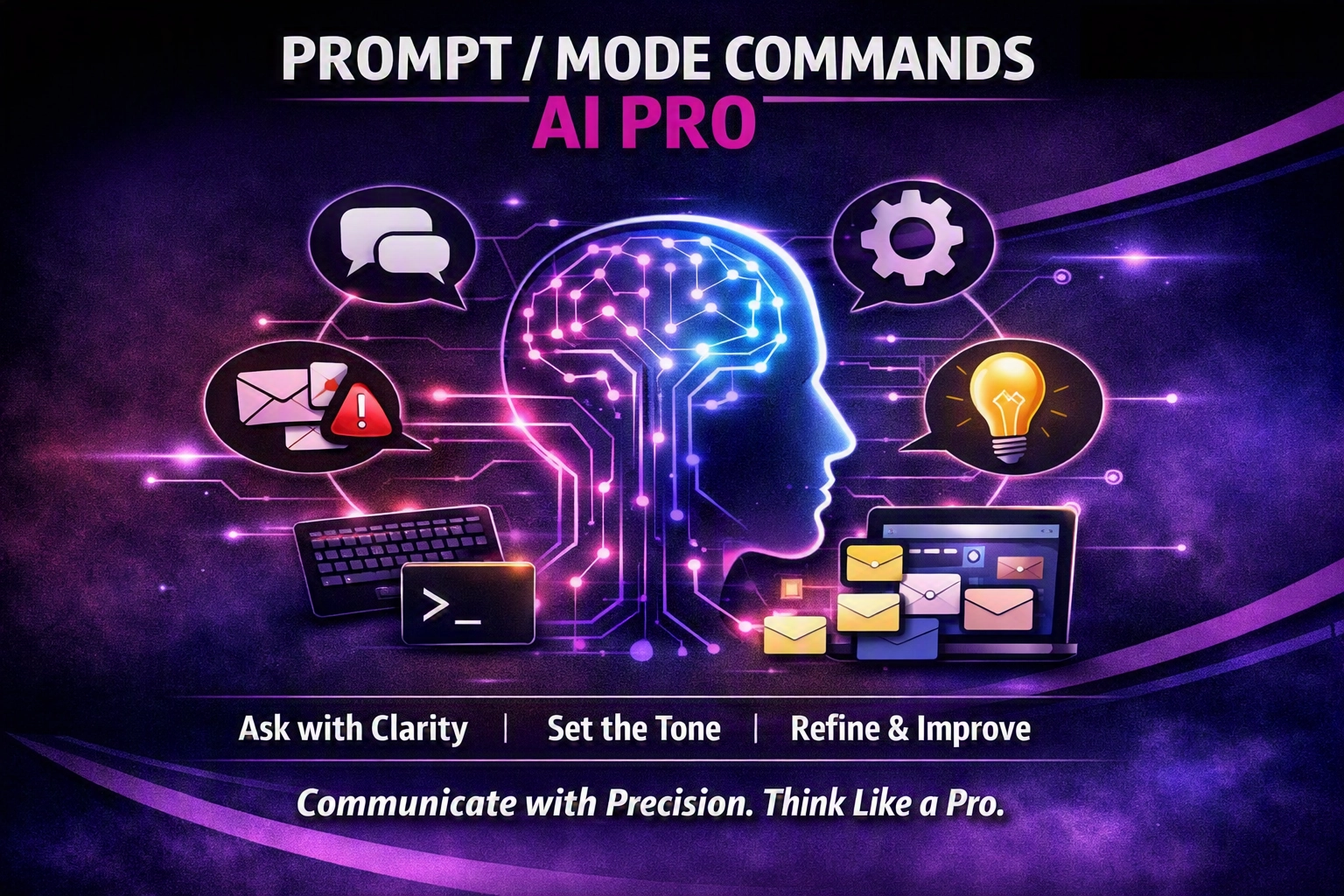
Prompt/Mode Commands are a shortcut language that tells AI which mode to use – blunt truth, simple language, red‑team analysis, Hormozi‑style offers, human‑tone, future‑focus, unlearning, 80/20 or Socratic questioning.
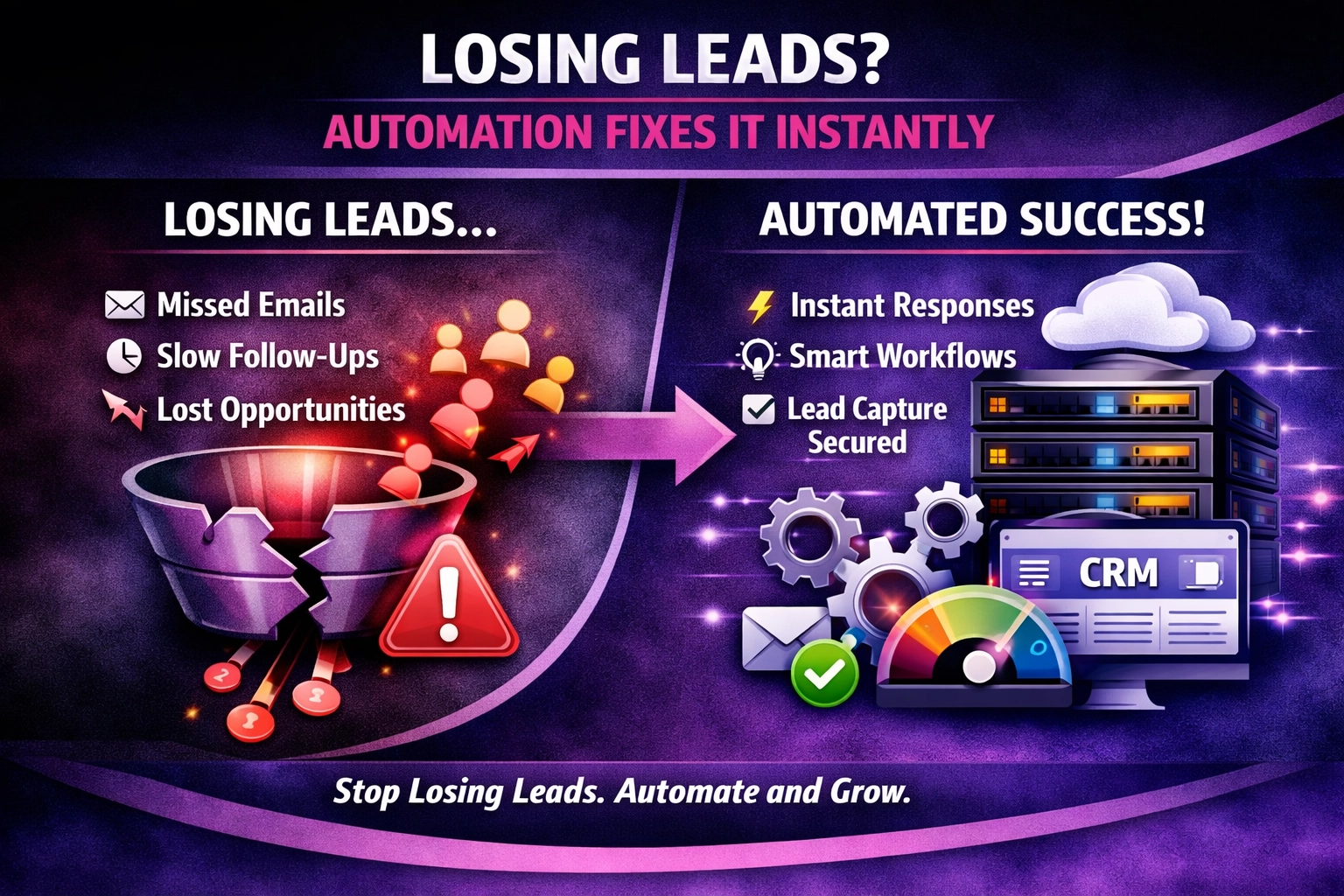
At We Do The Web Digital Marketing Agency we know a website must work harder than you do – but the most beautiful site means nothing if leads slip through the cracks. Losing Leads? Here’s How Automation Fixes It Instantly is the question we hear from SMEs that watch inquiries land in an email inbox […]
With the right words and visuals, we turn your brand message into a magnet for attention and trust.
array(1) {
  ["wdtw_121_code"]=>
  string(9) "4WgsG21nC"
}