Prompt/Mode Commands: How to Talk to an AI Like a Pro
Prompt/Mode Commands are a shortcut language that tells AI which mode to use – blunt truth, simple language, red‑team analysis, Hormozi‑style offers, human‑tone, future‑focus, unlearning, 80/20 or Socratic questioning.
At We Do The Web Digital Marketing Agency we know a website must work harder than you do – the same principle applies to the way you converse with AI. The rise of large language models has created a new problem: the answer you get is only as good as the instructions you give. Prompt/Mode Commands are a tiny language of shortcuts that tell an AI exactly how to think, analyse or write. Think of them as “modes” you can switch on with a single word at the start of your prompt. In this guide we’ll unpack the nine most useful commands, show you why they work, and give you practical combos that turn vague requests into laser‑focused, high‑value answers.
Featured snippet Prompt/Mode Commands are one‑word or short‑phrase instructions placed at the start of a prompt to set the AI’s response style – such as TRUTHMODE (be blunt), ELI10 (explain like I’m ten), REDTEAM (attack the idea), HORMOZI (direct‑response marketing), /human (human‑like tone), FUTURYOU (future‑focused), UNLEARN (challenge assumptions), 80/20 (focus on the vital few) and SOCRATES (question to reveal assumptions). Using them sharpens output and saves time.
What Are Prompt/Mode Commands?
Prompt/Mode Commands are shorthand labels that tell an AI which “mode” to use before it generates a response. Instead of writing a long paragraph of instructions – “please be direct, avoid jargon, attack my idea, focus on the 20 % that matters most” – you can simply write:
The AI interprets that you want:
80/20 – Identify the few actions that drive the most result.
REDTEAM – Attack the idea, looking for weaknesses and risks.
No fluff – Be direct and honest about what’s actually true.
This tiny command language turns a long, vague request into a focused, high‑value answer.
The Nine Core Commands – What They Do
Command
What it triggers
TRUTHMODE
Be blunt, direct, and prioritise uncomfortable truths over being agreeable.
ELI10
Explain something in very simple language – “Explain Like I’m 10.”
REDTEAM
Attack the idea: look for weaknesses, risks, hidden assumptions and failure points.
HORMOZI
Think in direct‑response marketing terms – focus on offers, value, pain, outcomes and conversion.
/human
Make the output sound natural, conversational and less obviously AI‑generated.
FUTURYOU
Take the perspective of your future self or the long‑term consequences of a decision.
UNLEARN
Challenge existing assumptions and question conventional thinking.
80/20
Find the small number of actions/factors responsible for most of the result (Pareto principle).
SOCRATES
Use questioning to expose assumptions and help you reason toward a better answer.
Why these commands are useful
Instead of writing a long instruction each time, you can drop a single command and the AI instantly knows the style you want. This saves you minutes per prompt and dramatically improves the relevance of the answer.
How the Commands Work Behind the Scenes
1️⃣ Established concepts (real methodology)
ELI10 – a well‑known shorthand for “Explain Like I’m 10”. It triggers simple language, analogies and no jargon.
REDTEAM – a recognised methodology for testing ideas by trying to break them.
80/20 – the Pareto principle, a classic productivity and business model.
SOCRATES – Socratic questioning, a teaching technique that uses questions to reveal hidden assumptions.
2️⃣ Community‑created prompt labels
These are “shorthand labels” the AI community has invented to give clear direction:
TRUTHMODE – “don’t sugar‑coat, give me the real story”.
FUTURYOU – “think 10 years ahead, not today”.
UNLEARN – “question what I take for granted”.
/human – “make it sound like a real person wrote it”.
HORMOZI – “write like Alex Hormozi’s direct‑response style”.
The AI doesn’t have hidden “modes” built‑in; instead, it recognises the instruction and adjusts its response accordingly.
Benefits of Using Prompt/Mode Commands
Benefit
How it helps your business
Speed
One word replaces a paragraph of instructions.
Clarity
The AI knows exactly what you want, reducing back‑and‑forth.
Consistency
You get the same style every time, which is great for brand voice.
Depth
Commands like REDTEAM push the AI to dig deeper than a surface‑level answer.
Focus
80/20 forces you and the AI to concentrate on what matters most.
Future‑proofing
FUTURYOU and UNLEARN help you think long‑term and avoid short‑term traps.
Real‑World Examples – Using Commands in Practice
Example 1 – Marketing Offer Review
Prompt:REDTEAM + HORMOZI: tear apart my Google Ads offer and rebuild it into a stronger one.
AI response (excerpt):
REDTEAM finds that the headline is generic, the call‑to‑action is vague, and the price anchor is missing.
HORMOZI rewrites the offer with a bold value proposition, a clear “$X‑$Y saved” promise and a risk‑reversal guarantee.
Result: a tighter offer with higher conversion potential.
Example 2 – Simplifying a Technical Topic
Prompt:ELI10 + 80/20: explain how DNS works and tell me the 20 % I actually need to know.
AI response (excerpt):
ELI10 explains DNS in plain English with a “phonebook” analogy.
80/20 points out that you only need to know three record types (A, CNAME, MX) and how to change them.
Example 3 – Long‑Term Planning
Prompt:FUTURYOU + UNLEARN: what assumptions about my business model will be obsolete in five years?
AI response (excerpt):
FUTURYOU projects market trends, automation adoption and AI‑driven service delivery.
UNLEARN challenges the belief that “more traffic = more revenue” and suggests focusing on customer lifetime value instead.
Actionable Tips – Building Your Own Command Library
Start with the core nine – use TRUTHMODE, ELI10, REDTEAM, HORMOZI, /human, FUTURYOU, UNLEARN, 80/20 and SOCRATES in your next five prompts.
Combine commands – e.g., REDTEAM + 80/20 or ELI10 + FUTURYOU to get layered insights.
Create personal shortcuts – if you often need a “tone of voice” command, invent your own label (e.g., BRANDVOICE) and define it once.
Document the definitions – keep a cheat‑sheet (like this article) so your team uses the same language.
Iterate – if a command doesn’t deliver the expected style, refine the wording or add a short example.
Common Pitfalls and How to Avoid Them
Pitfall
Fix
Assuming the AI has hidden “magic”
Remember: commands are interpretive shortcuts, not secret keys.
Using too many commands at once
Stick to 1‑3 per prompt for clarity.
Forgetting to set context
Give a brief description of the subject before applying a command.
Neglecting the “why”
Pair commands with a goal (e.g., “REDTEAM to find weaknesses, then HORMOZI to fix them”).
Future of Prompt/Mode Commands
As AI models become more powerful, custom command libraries will likely become a standard part of team workflows. Expect:
Plugin‑style command packs that can be imported into any AI assistant.
Shared repositories where marketers, developers and creators publish their favourite shortcuts.
AI‑generated meta‑commands that suggest the best combination of modes for a given task.
Early adopters who build a consistent command language now will have a clear productivity edge over competitors who still rely on long, vague prompts.
Prompt/Mode Commands are short instructions placed at the start of a prompt to tell an AI which style or approach to use – such as TRUTHMODE, ELI10, REDTEAM, HORMOZI, /human, FUTURYOU, UNLEARN, 80/20 and SOCRATES.
Do these commands unlock hidden capabilities in the AI?
No – they are interpretive shortcuts. The AI recognises the instruction and adjusts its tone, depth or focus accordingly.
Can I combine multiple commands?
Yes – combining commands (e.g., REDTEAM + 80/20) lets you layer different analytical lenses for richer results.
Which command is best for explaining a technical topic?
ELI10 is designed for simple, jargon‑free explanations, often paired with 80/20 to focus on the essential parts.
How can I use these commands for marketing?
Try HORMOZI for offer creation, REDTEAM for stress‑testing ideas, and TRUTHMODE when you need honest feedback on a campaign.
Are there official commands built into ChatGPT?
Not officially. The list you see in this article is a community‑created shorthand that works because the model interprets the intent behind each label.
Conclusion – Speak AI Fluently with Prompt/Mode Commands
Prompt/Mode Commands give you a tiny, powerful language that turns vague requests into focused, high‑value answers. By mastering the nine core shortcuts and learning to combine them, you’ll get faster insights, deeper analysis and content that actually matches the style you need.
We Do The Web Digital Marketing Agency can help you build custom command libraries for your team, train staff on best‑practice AI usage, and integrate these prompts into your content, SEO and automation workflows.
🚀 We build these for you – contact us today and let us help you unlock the full potential of AI for your business.
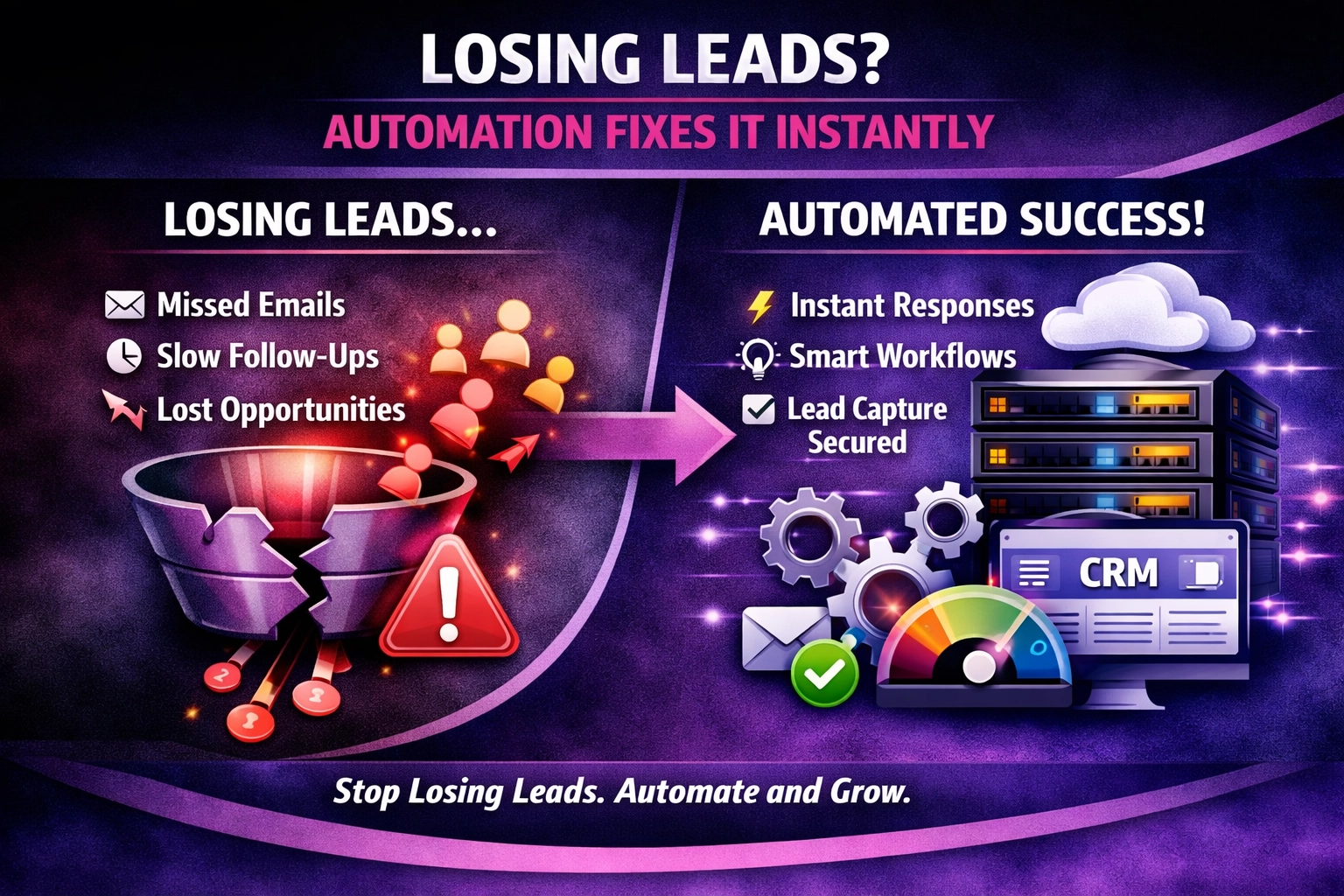
At We Do The Web Digital Marketing Agency we know a website must work harder than you do – but the most beautiful site means nothing if leads slip through the cracks. Losing Leads? Here’s How Automation Fixes It Instantly is the question we hear from SMEs that watch inquiries land in an email inbox […]
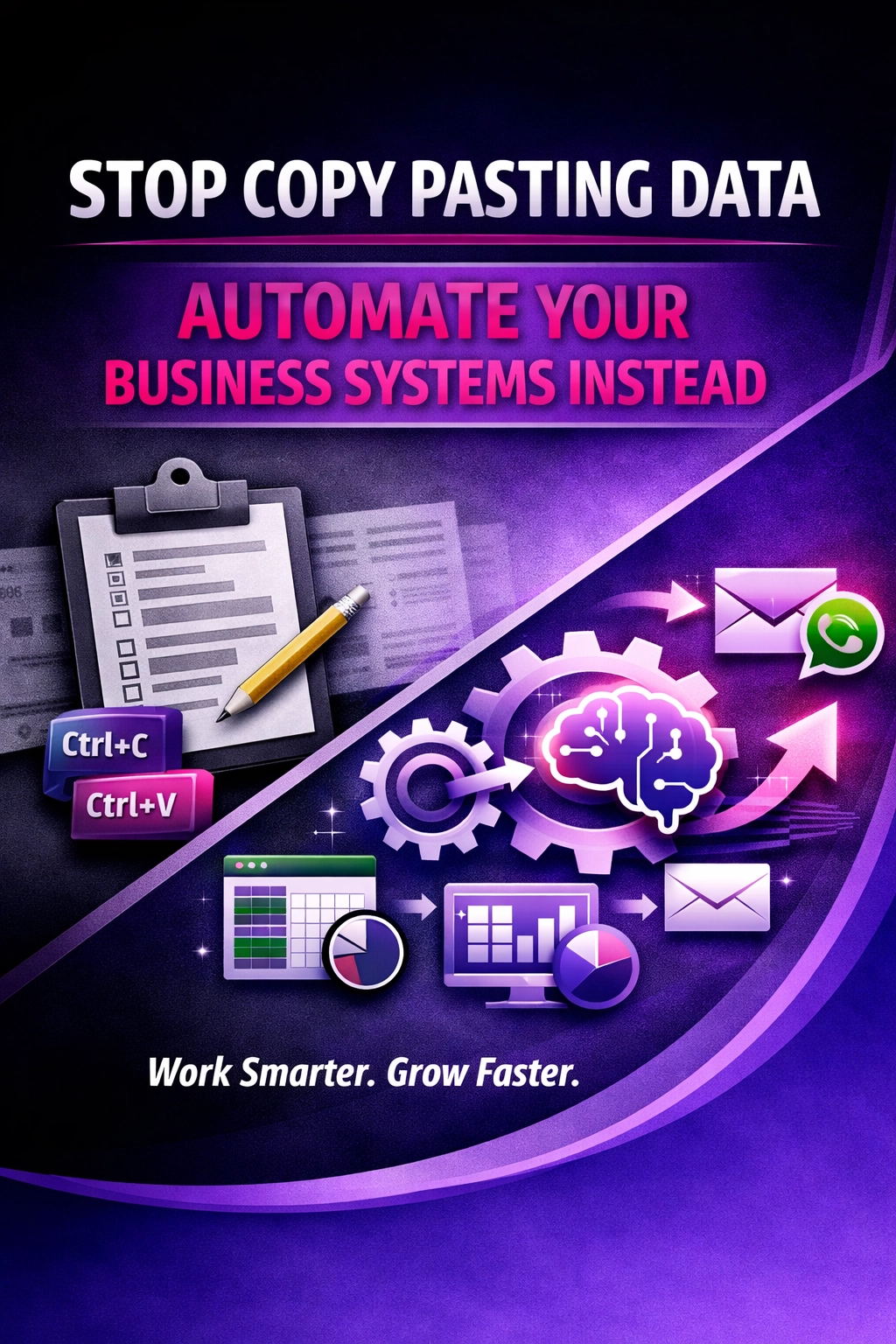
Manual copy‑pasting drags SMEs into error‑heavy, slow processes. Find out how automation replaces those painful steps and frees your team to focus on growth.
We Do The Web is a leading digital marketing agency offering a comprehensive range of services to help businesses succeed online. Our expert team specializes in creating customized strategies in SEO, social media, content marketing, and web design. We’re here to elevate your brand, increase your visibility, and help you achieve measurable growth in today’s digital landscape.