At We Do The Web Digital Marketing Agency we believe a website is a problem‑solver, but the processes that run behind it can either amplify that power or drag it down. The question What Can You Actually Automate in Your Business? is the starting point for turning manual bottlenecks into seamless, error‑free flows. In this guide we break the answer down by department sales, admin, HR and marketing and show you real‑world use cases you can implement right now.
You can automate lead capture, data entry, employee onboarding, expense approvals and campaign reporting. By replacing manual hand‑offs with software‑driven workflows you eliminate human error, recover lost leads, speed response times and free your team to focus on high‑value work
Sales Turning Leads into Revenue with Automation
Sales teams live on speed and accuracy. The biggest revenue leak usually occurs before a lead even reaches a salesperson.
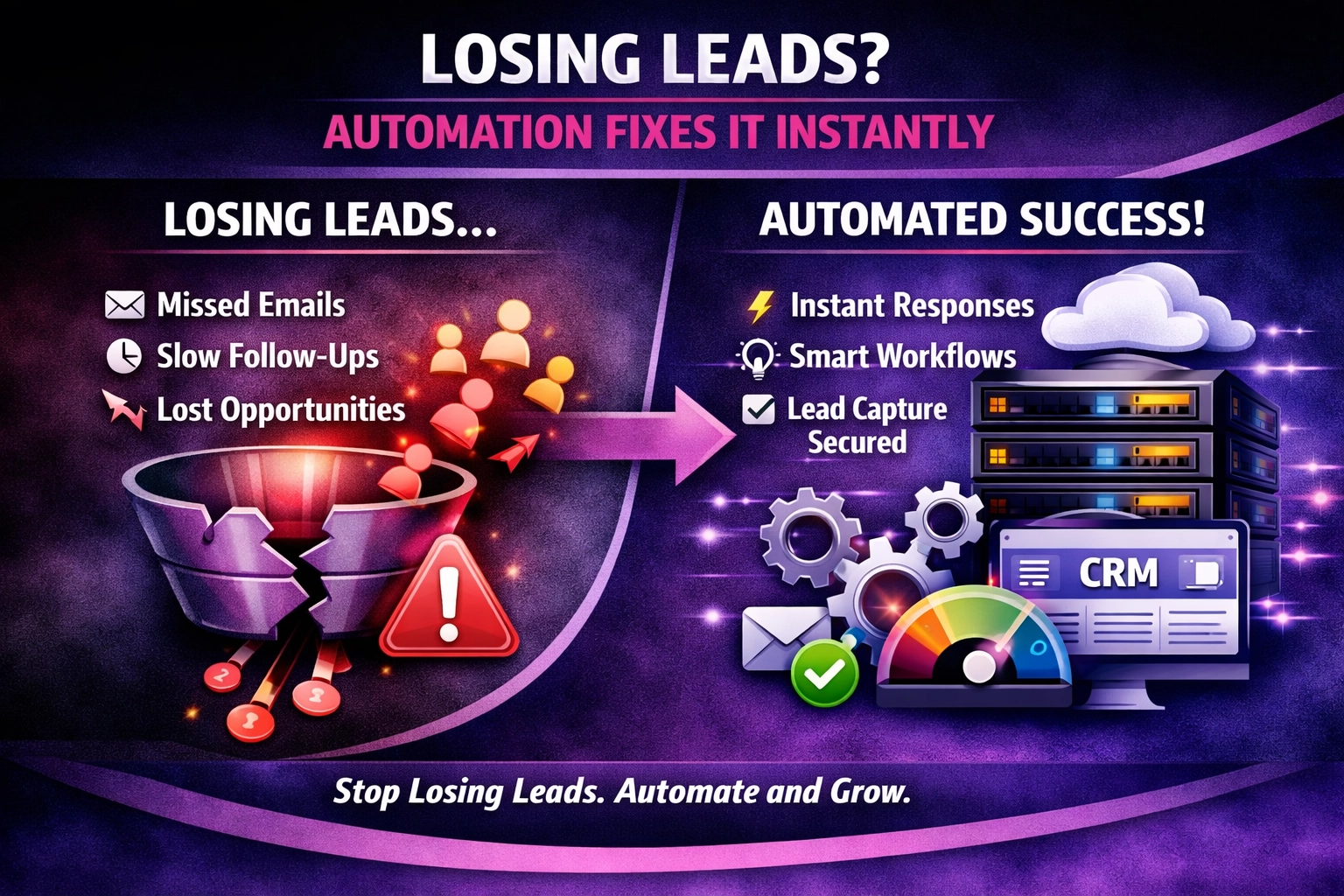
- Lead capture & enrichment: When a prospect fills a web form, an automation creates a CRM record, enriches it with company data (using a data‑append service) and assigns it to the right rep instantly.
- Follow‑up sequencing: Automated email or SMS sequences nurture leads while the rep prepares a personalised call, ensuring no prospect goes cold.
- Quote generation: A workflow pulls product pricing, applies discounts and delivers a PDF quote to the client without any manual spreadsheet work.
- Deal‑stage alerts: When a deal moves to a critical stage, the system pushes a reminder to the owner’s mobile, preventing forgotten follow‑ups.
Why it matters Fewer missed leads, faster pipeline velocity and a more predictable forecast.
Administration Streamlining the Backbone of the Business
Administrative tasks are repetitive but essential; automating them reduces errors and frees staff for strategic work.
- Invoice processing: Incoming invoices trigger OCR, extract line items, match them to purchase orders and route for approval automatically.
- Expense approvals: Employees upload receipts; an automation validates policy compliance, calculates reimbursements and pushes payments to the finance system.
- Document management: Contracts and policies are stored in a central repository, with automated version control and expiry reminders.
- Meeting scheduling: A bot checks calendars, proposes slots and sends confirmations, eliminating back‑and‑forth emails.
Why it matters Lower operational cost, reduced data entry mistakes and faster payment cycles.
Human Resources Empowering People Operations
HR teams juggle onboarding, compliance and employee engagement. Automation turns these time‑consuming chores into self‑service experiences.
- Employee onboarding: New‑hire forms trigger account creation in email, payroll and collaboration tools, while a welcome email with training links is sent automatically.
- Leave requests: A simple form updates the leave calendar, notifies the manager and tracks accruals without manual spreadsheets.
- Performance reviews: Automation sends review reminders, collects feedback via surveys and compiles scores for managers.
- Compliance training: When a policy changes, the system assigns mandatory courses, tracks completion and escalates overdue learners.
Why it matters: Higher employee satisfaction, consistent policy enforcement and less HR administrative overhead.
Marketing Delivering Personalised Campaigns at Scale
Marketing thrives on data and timing. Automation lets you act on insights instantly.
- Audience segmentation: When a contact meets a behavioural threshold (e.g., website visit + ebook download), an automation adds them to a targeted list and triggers a nurturing flow.
- Social posting: Content calendars push posts to multiple platforms via a single schedule, with performance metrics logged automatically.
- Ad spend optimisation: Scripts monitor cost‑per‑click and pause under‑performing ads, reallocating budget to high‑ROI placements.
- Reporting dashboards: Data from Google Analytics, email platforms and CRM is pulled nightly into a live dashboard, removing manual spreadsheet work.
Why it matters: Faster campaign launch, data‑driven decisions and measurable ROI.
How to Start Automating A Practical Step‑by‑Step Guide
- Map the current process: Document each step, the people involved and the tools used.
- Identify pain points: Look for tasks that are repetitive, error‑prone or cause delays (e.g., “lead not logged”, “invoice data entry”).
- Pick a low‑code automation platform: Zapier, Make (formerly Integromat), Microsoft Power Automate or native CRM workflow tools.
- Create a pilot workflow: Choose one high‑impact use case from the department list and build a simple “if‑this‑then‑that” flow.
- Test with real data: Run the automation for a week, compare error rates, response times and conversion metrics against the manual baseline.
- Iterate and expand: Refine the pilot, then replicate the pattern across other processes and departments.
- Monitor and optimise: Use built‑in analytics to track success, adjust thresholds and add AI‑enhanced steps (e.g., predictive lead scoring) as you grow.
Additional Resources
Internal links
External links
FAQ
What can you actually automate in your business?
You can automate lead capture, invoice processing, employee onboarding, leave requests, audience segmentation, social posting and many other repeatable tasks across sales, admin, HR and marketing.
How does automation reduce human error?
Automation removes manual data entry and hand‑offs, ensuring the same exact information is transferred between systems every time, which eliminates typos and forgotten steps.
Will automating processes cost more than it saves?
While there is an upfront investment in tools and set‑up time, most businesses recoup the cost within a few months through reduced labour, faster response times and higher conversion rates.
Which department benefits first from automation?
Sales often sees the quickest ROI because automated lead capture and follow‑up prevent lost opportunities and accelerate revenue.
Do I need a developer to build these workflows?
No. Low‑code platforms like Zapier, Make or Power Automate provide drag‑and‑drop interfaces that allow non‑technical staff to design functional workflows.
How can I measure the success of an automated workflow?
Track metrics such as error rate, processing time, lead conversion percentage, invoice approval cycle and employee satisfaction before and after implementation.
Conclusion We Build These for You
Manual processes hide costly inefficiencies that sabotage growth. By answering the question What Can You Actually Automate in Your Business? you unlock faster response times, fewer errors, and reclaimed capacity for strategic work.
We Do The Web Digital Marketing Agency specialises in mapping, designing and deploying the exact automated workflows described above. From sales‑pipeline automations to HR onboarding bots, we build the solutions that turn friction into flow.
We build these for you get in touch today and let us transform your manual chores into intelligent, automated processes that power your business forward.