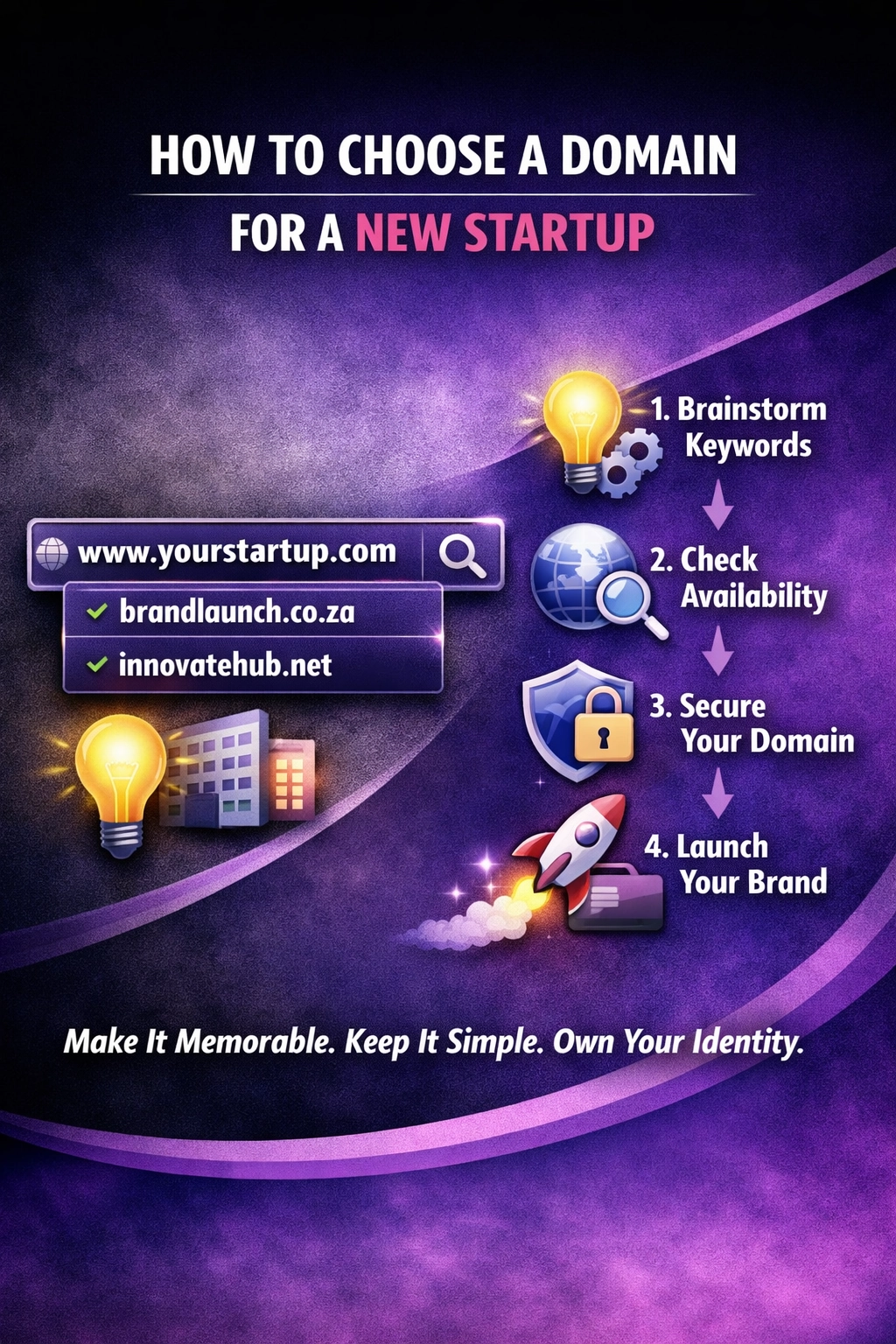
How to Choose a Domain for a New Startup
Choosing the right domain name is crucial for any new startup learn how to make the best choice for your business’s online presence.
At We Do The Web Digital Marketing Agency we know a website must work harder than you do – but the most beautiful site means nothing if leads slip through the cracks. Losing Leads? Here’s How Automation Fixes It Instantly is the question we hear from SMEs that watch inquiries land in an email inbox and then sit untouched for hours (or days). In this article we break down the hidden cost of lead loss, show how an automated lead‑routing workflow can turn every inquiry into a conversion opportunity, and give you a step‑by‑step plan to implement it using our favourite workflow tool (without revealing the exact recipe).
When a prospect submits a form, an automated workflow instantly captures the data, enriches it, scores the lead and routes it to the right sales rep or team. This eliminates manual hand‑offs, reduces response time to seconds, and recovers revenue that would otherwise be lost. Automation can lift conversion rates by up to 30 % in the first month.
Even with a sleek website and solid traffic, many businesses see a lead‑to‑customer conversion rate of 1‑3 %. The gap is almost always caused by three inter‑related problems:
| Problem | What it looks like | Impact on revenue |
|---|---|---|
| Slow response time | A lead fills a form, the email lands in a shared inbox, and the sales rep reads it 4‑6 hours later. | 78 % of customers buy from the first company that responds (InsideSales.com). Delay = loss. |
| Manual hand‑offs | Data is copied from an email into a CRM, then a Slack message notifies the right person. | Human error: misspelled email, wrong contact owner, missed follow‑up. |
| Inconsistent qualification | Every rep asks the same questions in different ways, leading to incomplete data. | Marketing can’t score leads properly, sales wastes time on low‑value prospects. |
The combined effect is a silent revenue leak that can amount to thousands of dollars a month for a small business.
Automated lead routing is a workflow that:
All of this happens in seconds, without a single click from a human.
| Benefit | How it helps your business |
|---|---|
| Instant response | Leads receive an acknowledgement email within seconds, and the rep is on it before the competition even sees the inquiry. |
| Higher conversion rates | Faster, more relevant contact leads to 20‑30 % higher close rates (Salesforce research). |
| Reduced human error | Data flows directly into the CRM, eliminating typo‑filled manual entry. |
| Better lead quality | Automated scoring ensures only high‑potential leads reach senior reps, while junior reps handle lower‑score prospects. |
| Scalable growth | The workflow handles 5 or 5 000 leads per day with the same effort. |
| Data‑driven optimisation | Every step is logged, giving you analytics on response time, conversion velocity and rep performance. |
Below is a high‑level blueprint you can follow. The exact tools and nodes are intentionally kept generic – we’ll happily build a tailored version for you.
Trigger: Web form submission, live‑chat message, or inbound email.
Action: Push the raw data into your central workflow engine (our secret sauce is the platform we use, but the concept is the same for any low‑code automation tool).
Add‑on: Call a public API (e.g., Clearbit, Hunter.io) to pull company size, industry, and social‑media handles.
Result: A richer contact record that improves scoring accuracy.
Logic: Assign points based on criteria such as “budget > $10k”, “industry = SaaS”, or “source = Google Ads”.
Output: A numeric score (e.g., 0‑100) that determines the routing path.
Conditional routing:
Channels: Email, Slack DM, SMS, or a push notification in the CRM.
Message: “New lead: John Doe, CEO of Acme Corp (Score 87). Call now: +27 … ”
Data sink: Store each step (timestamp, score, assignee) in a reporting dashboard.
Outcome: You can measure lead‑to‑contact time, conversion velocity and rep performance at a glance.
Case study – “BrightWave Marketing”
BrightWave, a 10‑person digital agency, was losing 15 % of inbound leads because the sole sales rep checked the inbox only twice a day. After implementing an automated lead‑routing workflow (the exact platform remains our proprietary tool), they achieved:
“The workflow paid for itself within a month. We no longer worry about a lead sitting in an inbox overnight.” – Founder, BrightWave Marketing
| Pitfall | How to dodge it |
|---|---|
| Over‑complicating the first version | Start with a simple capture‑>assign flow; add enrichment later. |
| Neglecting data quality | Ensure form fields are validated (email format, required fields). |
| Ignoring timezone differences | Use UTC for timestamps and let the workflow route based on the rep’s local time. |
| Forgetting to test edge cases | Run a “dry‑run” with dummy leads to verify the routing logic works for low‑score, high‑score and missing‑data scenarios. |
| Skipping analytics | Without logging, you won’t know if the workflow is actually improving response time. |
The next step is adding AI‑powered lead scoring and predictive routing. Instead of static point‑based rules, an AI model can analyse historical conversion data and predict which rep is most likely to close a given lead. The workflow then assigns the lead to the highest‑probability rep, continuously learning and improving over time.
By building this AI layer on top of the basic capture‑enrich‑score‑route flow, you create a self‑optimising lead engine that drives higher revenue with zero extra manual effort.
Internal links
External links
Leads get lost because of slow manual hand‑offs, lack of instant notification, and inconsistent qualification. Even a few hours of delay can cause a prospect to choose a competitor.
A well‑designed workflow can acknowledge a lead and assign it to a rep within seconds of the form submission.
No – automation removes the repetitive admin work, freeing your sales team to focus on high‑value conversations and closing deals.
With low‑code platforms you can build a basic capture‑>assign flow in under an hour. Adding enrichment and AI scoring can be done incrementally.
Yes – most automation tools have native connectors for popular CRMs (HubSpot, Salesforce, Pipedrive, Zoho, etc.). The workflow simply pushes the enriched, scored lead into the appropriate CRM record.
Track metrics such as average response time, lead‑to‑meeting conversion rate, revenue per lead, and rep performance before and after implementation.
Every minute a lead sits untouched is revenue walking out the door. By automating the capture, enrichment, scoring and routing of every inquiry, you eliminate the gaps that cause loss, boost conversion rates and scale your sales effort without adding headcount.
We Do The Web Digital Marketing Agency builds custom lead‑routing workflows that fit your exact sales process, using the best low‑code tools on the market.
🚀 We build these for you – contact us today and let us turn every incoming inquiry into an instant, qualified opportunity.
July 20, 2026
We Do The Web
Choosing the right domain name is crucial for any new startup learn how to make the best choice for your business’s online presence.

Using your business name in a domain can boost brand recall and SEO, but there are pitfalls. Learn the full picture and decide what’s right for you.

Gmail may feel convenient, but it brings security, compliance and branding problems that can cost your business. Find out why you should switch to a professional email system.
User experience is everything. We create websites that are easy to navigate, visually appealing, and optimized for conversions.
array(1) {
  ["wdtw_121_code"]=>
  string(9) "4Hd7Mx1Nj"
}