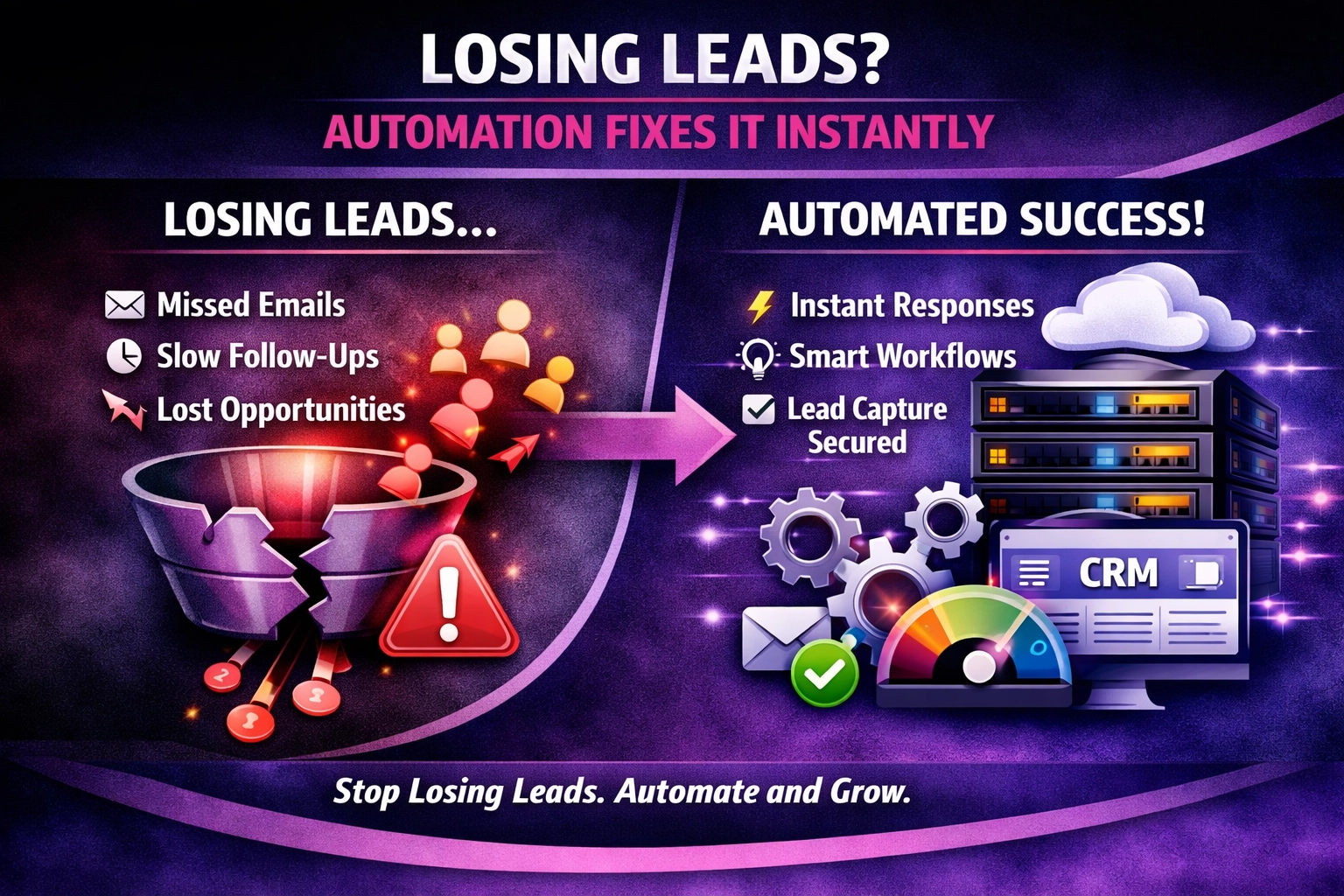
Losing Leads? Here’s How Automation Fixes It Instantly
Every missed lead is lost revenue. Find out how automated lead routing instantly captures, qualifies and assigns inquiries to the right team member, boosting conversions dramatically.
At We Do The Web Digital Marketing Agency we know that a website must work harder than you do – and the same principle applies to your email system. A well‑planned email setup signals professionalism, improves security and keeps communication flowing. How Many Email Addresses Does a Small Business Need? is a question we hear from owners who start with a single Gmail or Yahoo address and quickly run into branding, deliverability and security headaches. In this guide we’ll walk you through the essential roles, the typical number of addresses you should create, and a step‑by‑step plan to set up a professional mailbox that scales with your business.
A small business typically needs 4‑6 dedicated email addresses (info@, sales@, support@, billing@, admin@ and a personal address for the owner) to maintain branding, streamline communication and protect against data loss. Adding department‑specific aliases improves deliverability and makes it easier to automate workflows
A business email address uses your company’s domain (e.g., yourname@yourbusiness.co.za) instead of a free‑mail provider (Gmail, Yahoo). It serves several purposes:
| Purpose | How a business email helps |
|---|---|
| Branding | Every email reinforces your brand identity. |
| Credibility | Customers trust a domain‑based address over a generic one. |
| Deliverability | Proper DNS (SPF, DKIM, DMARC) improves inbox placement. |
| Security | Centralised admin controls, MFA, and audit logs protect data. |
| Automation | Emails can be tied to CRM tickets, invoicing, and support systems. |
Using one mailbox for all incoming enquiries leads to:
Creating a set of purpose‑driven addresses solves all of these problems.
| Address | Typical Use | Why it matters |
|---|---|---|
| info@yourbusiness.co.za | General queries, “contact us” form | Central inbox; can be auto‑forwarded to a team or shared mailbox. |
| sales@yourbusiness.co.za | Leads, quotes, product enquiries | Easy to track sales pipeline and integrate with CRM. |
| support@yourbusiness.co.za | Customer help, ticket submission | Helps build a knowledge base and measure response time. |
| billing@yourbusiness.co.za | Invoices, payment queries | Keeps financial communication separate and easier to audit. |
| admin@yourbusiness.co.za | Internal alerts, system notifications | Keeps security‑related mail out of public‑facing folders. |
| owner@yourbusiness.co.za (or firstname@yourbusiness.co.za) | Personal email for the business owner | Preserves a personal touch while keeping the brand consistent. |
Optional additions for growth:
| Pitfall | How to avoid it |
|---|---|
| Too many aliases | Keep the core list to 4‑6; add niche addresses only when needed. |
| Using personal Gmail for business | Migrate to a domain‑based mailbox to protect brand and data. |
| Neglecting SPF/DKIM/DMARC | Set up DNS records to authenticate your domain and prevent spoofing. |
| No backup policy | Enable automatic mailbox backups or a cloud‑archive solution. |
| Weak passwords | Enforce MFA and use a password manager for all accounts. |
Case study – “GreenLeaf Landscaping”
GreenLeaf started with a single Gmail address and missed 30 % of inbound enquiries. After implementing a six‑address setup (info@, sales@, support@, billing@, admin@, owner@) on a Google Workspace plan, they achieved:
As AI assistants become more common, the next evolution is AI‑driven email routing. An AI model can read the inbox, understand the intent, and automatically assign the message to the right person or workflow. This works on top of your structured address layout, ensuring that the AI knows where to send each email based on the To address.
Building this AI layer on top of a clean, well‑structured email setup gives you a future‑proof communication system that boosts efficiency for years to come.
Internal links
External links
A typical small business should start with 4‑6 core addresses (info@, sales@, support@, billing@, admin@, owner@) and add department‑specific aliases as the company grows.
While technically possible, a free Gmail address hurts branding, reduces trust, and lacks the security controls needed for business data. A domain‑based mailbox is strongly recommended.
A mailbox stores messages and has its own login credentials. An alias forwards mail to an existing mailbox without storing it separately. Aliases are useful for adding employee addresses without extra licences.
Yes – separating marketing (e.g., newsletter@) from support helps with deliverability, tracking, and automation.
Set up SPF, DKIM, and DMARC records, use a reputable email provider, avoid spammy content, and monitor your sender reputation with tools like Google Postmaster.
Most providers (Google Workspace, Microsoft 365) charge per mailbox (around $5‑$7 / month). Aliases are usually free, so you can add many addresses without extra cost.
Absolutely – automation tools (Zapier, Make, n8n, Power Automate) can read incoming mail, apply rules, and forward messages to the appropriate team or CRM record.
The right number of email addresses is not a one‑size‑fits‑all figure, but starting with a solid core of six addresses gives you branding, security and automation benefits from day one. As your business expands, you can add aliases, integrate AI‑driven routing, and scale effortlessly.
We Do The Web Digital Marketing Agency specialises in setting up secure, domain‑based email systems, configuring DNS authentication, and integrating the mailboxes with your CRM, help‑desk and automation workflows.
🚀 We build these for you – contact us today and let us create a professional email infrastructure that supports growth, enhances security and powers your automation strategy.
August 10, 2026
We Do The Web
Every missed lead is lost revenue. Find out how automated lead routing instantly captures, qualifies and assigns inquiries to the right team member, boosting conversions dramatically.
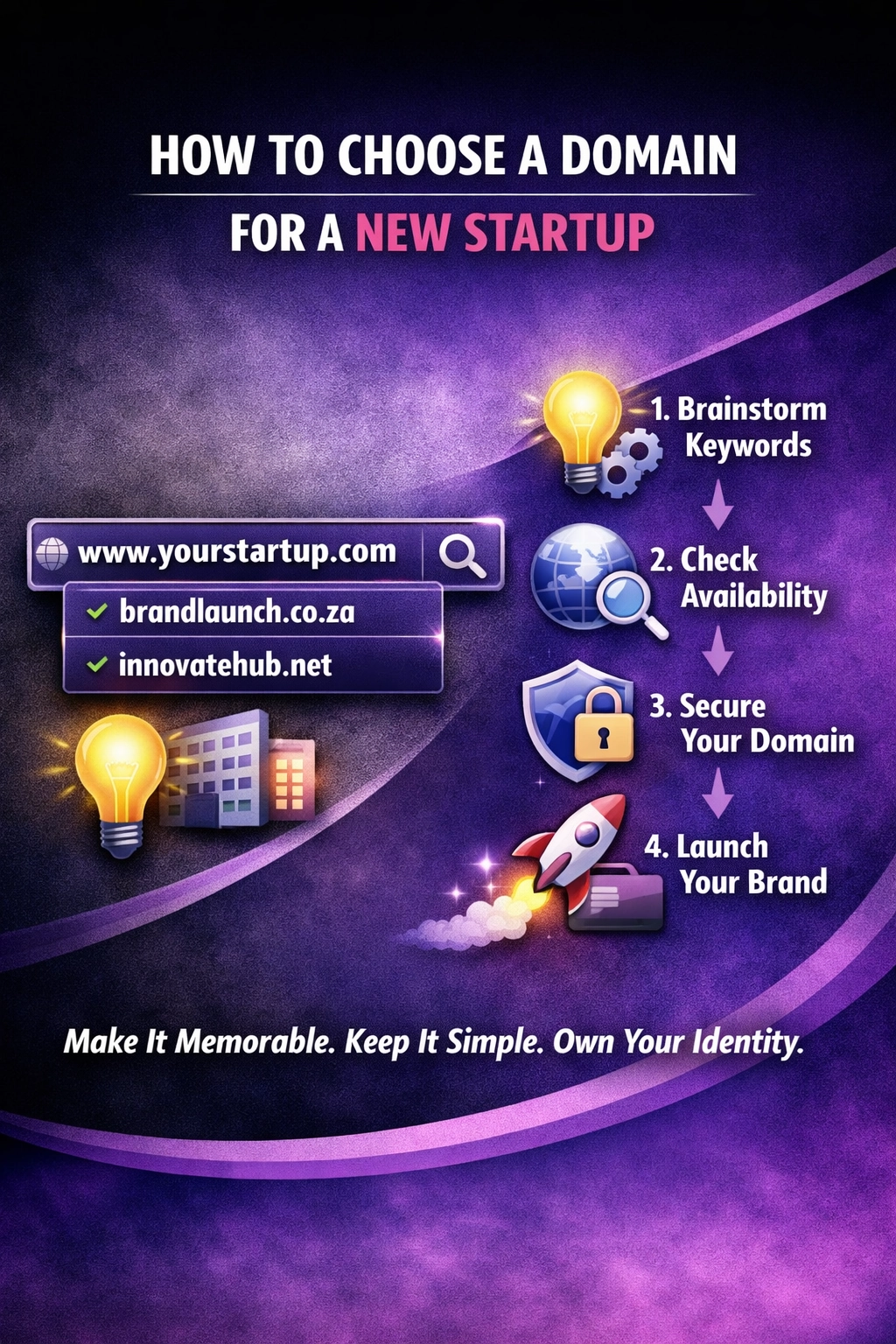
Choosing the right domain name is crucial for any new startup learn how to make the best choice for your business’s online presence.

Using your business name in a domain can boost brand recall and SEO, but there are pitfalls. Learn the full picture and decide what’s right for you.
We craft content that’s not just readable but findable, indexable, and built to rank.
array(1) {
  ["wdtw_121_code"]=>
  string(9) "yNH2S7pd3"
}