Why Every Business Needs a Professional Email Address
First impressions are everything. Learn why switching from a free email to a professional address is the simplest way to boost your brand's credibility.
At We Do The Web Digital Marketing Agency we know that a website must work harder than you do, but your website is only one part of your digital identity. The way you communicate with your clients is just as important as the pages they land on. Why Every Business Needs a Professional Email Address is a question of trust, security and brand authority. In this guide, we’ll explain the hidden dangers of using free email providers for business and show you how a branded mailbox can instantly elevate your professional image.
Featured snippet A professional email address uses your own custom domain (e.g., name@yourbusiness.co.za) instead of a free provider. It is essential because it establishes immediate credibility, ensures better email deliverability, provides centralised administrative control and protects your business from security risks and branding inconsistencies.
What Is a Professional Email Address?
A professional email address is one that is tied to your own registered domain name. Instead of using a generic suffix like @gmail.com or @outlook.com, a professional address uses your brand’s unique identity.
It is more than just a name change; it is a shift in how your business is perceived. When a client sees a branded email, they know they are dealing with an established entity rather than a freelancer or a hobbyist. This small detail is often the deciding factor in whether a high‑value lead trusts you with their business.
The Hidden Costs of Using Free Email for Business
Many startups and SMEs begin with a free email account because it’s convenient and cost‑free. However, this convenience comes with significant hidden costs that can sabotage your growth.
1. The “Trust Gap” and Brand Dilution
First impressions are formed in seconds. An email coming from a generic provider signals a lack of investment in your own brand. It suggests a “temporary” operation, which can lead prospects to wonder if your business will still exist in six months.
2. Security and Data Ownership Risks
When you use a free provider, you are operating on their terms. If an account is locked or a provider changes their terms of service, you have very little recourse. Furthermore, you lack centralised control; if an employee leaves the company, they still own the email address they used to communicate with your clients.
3. Poor Email Deliverability
Free email providers are often used by spammers. As a result, their shared IP addresses can sometimes be flagged by corporate spam filters. A professional email setup allows you to implement SPF, DKIM and DMARC records, which tell receiving servers that your mail is legitimate, significantly increasing your inbox placement rates.
Core Benefits of a Professional Email Setup
Benefit
How it helps your business
Instant Credibility
Your brand is reinforced in every single message you send.
Centralised Control
Admin consoles allow you to create, delete and manage all company mailboxes.
Enhanced Security
Integration with MFA (Multi‑Factor Authentication) and enterprise-grade encryption.
Seamless Automation
Branded emails integrate better with CRMs and automated lead‑routing systems.
Professionalism
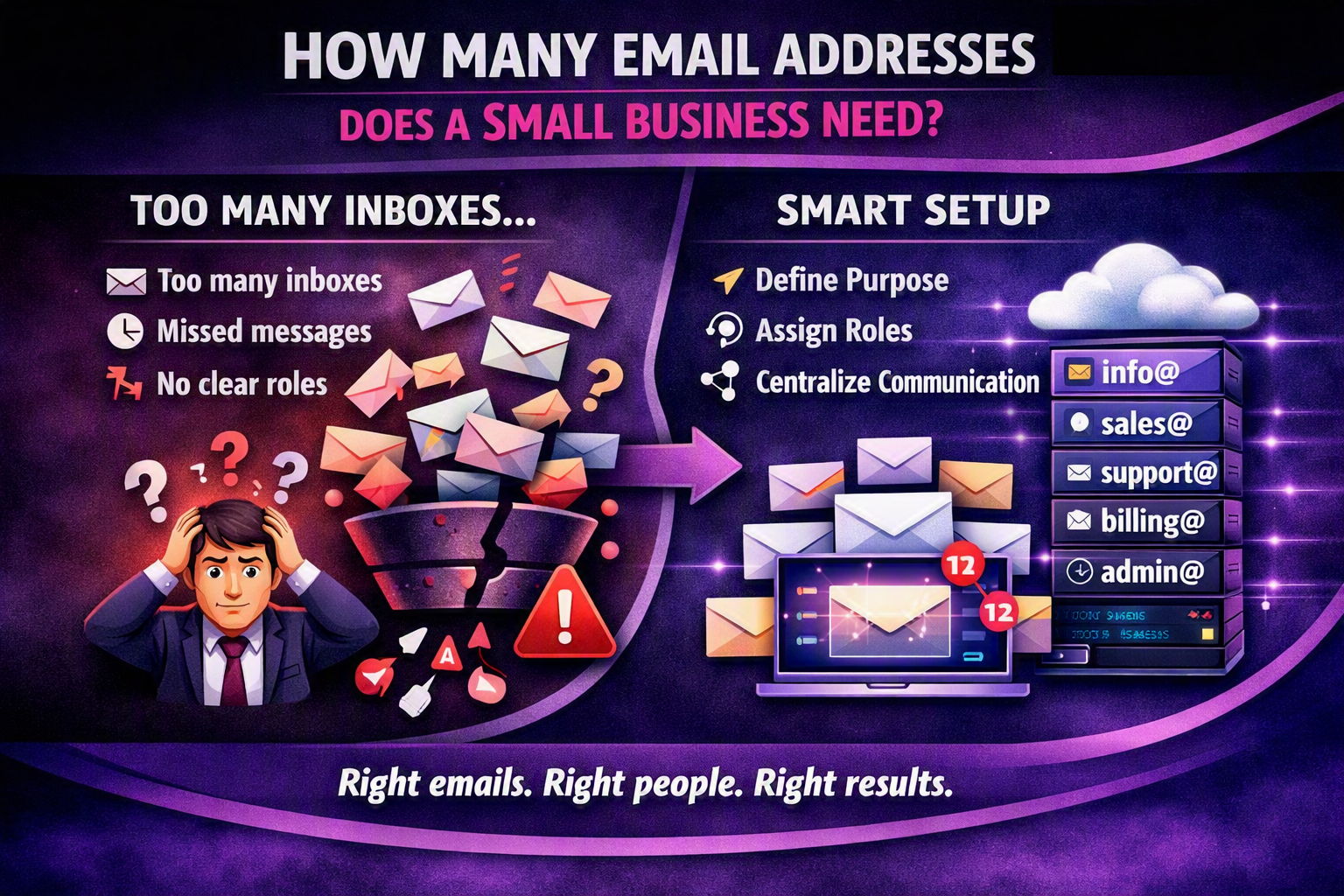
Separate addresses for info@, sales@ and support@ create a larger, more organised company image.
How to Set Up a Professional Email System (Actionable Tips)
Moving to a professional setup is a straightforward process if you follow these steps:
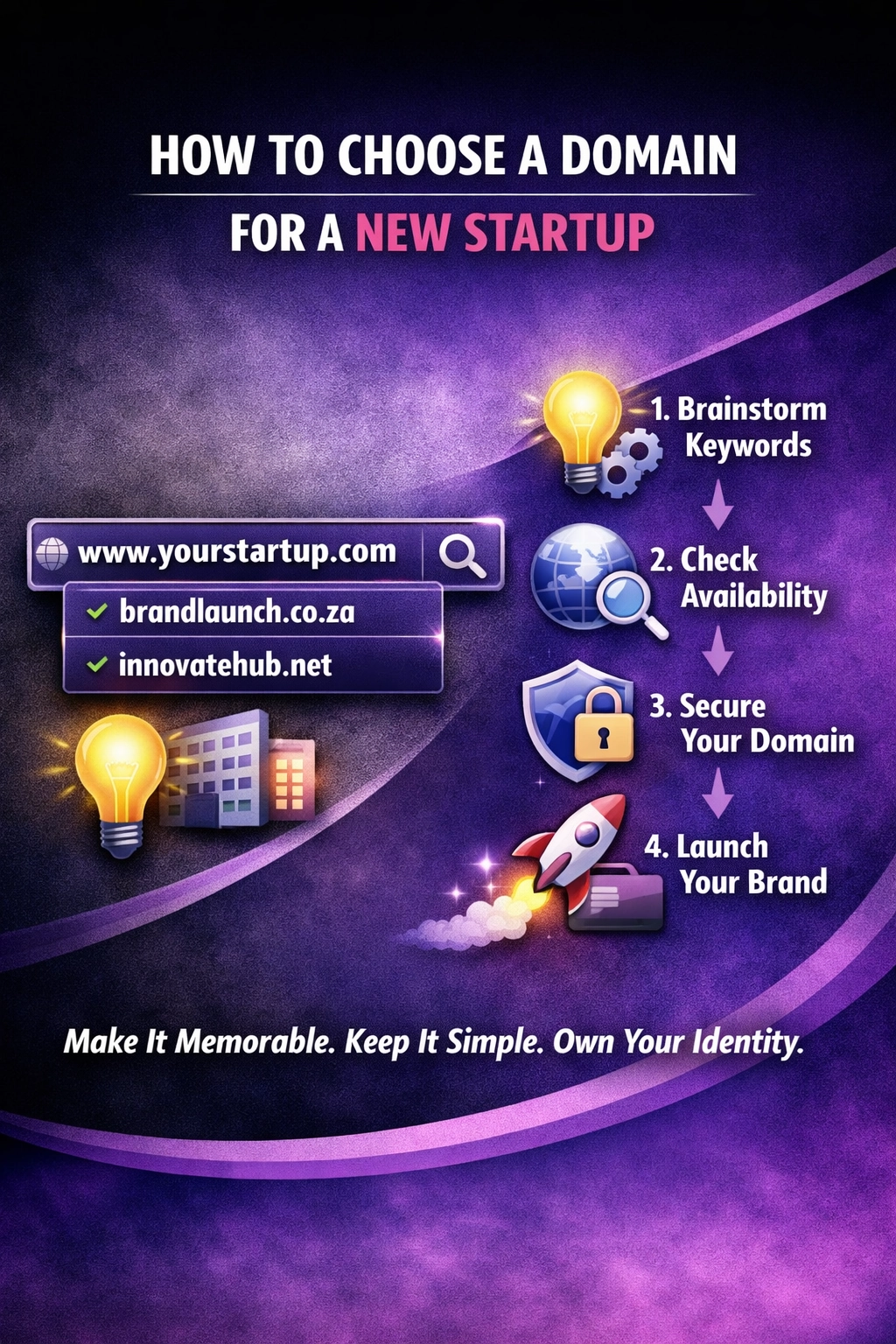
Secure your domain – If you haven’t already, register a domain that matches your business name.
Choose a hosting provider – Select a business-grade email host (e.g., Google Workspace or Microsoft 365) that offers reliability and scalability.
Create your core addresses – Set up a primary address for yourself and functional aliases (e.g., hello@, billing@) to manage different workflows.
Configure DNS records – This is the most critical technical step. Set up your MX records to route mail and your SPF/DKIM/DMARC records to prevent your mail from hitting spam folders.
Implement a password policy – Enforce strong passwords and MFA across all company accounts to prevent breaches.
Migrate old data – Use migration tools to move existing emails from your free account to the new branded mailbox.
Real‑World Example
Case study – “Apex Consulting”
Apex Consulting was a highly skilled team of analysts, but they were using a @gmail.com address for all their outreach. Despite their expertise, their cold‑outreach response rate was stagnant at 2 %.
After switching to a professional domain and implementing a branded email strategy, they saw an immediate shift. Their response rate jumped to 7 % almost overnight. The reason was simple: the branded email removed the “risk” factor for the client, making them feel that Apex was a stable, professional firm they could trust with sensitive data.
The Future of Business Communication
As we move toward an AI‑first digital economy, the “identity” of a sender is becoming more important than ever. AI-powered spam filters are getting stricter, and they prioritise “verified” senders.
A professional email is the first step in creating a verified digital identity. In the future, this will integrate with blockchain-based identity verification and AI‑driven routing, where your email address acts as a secure key to your entire business ecosystem. If you are still on a free provider, you are effectively invisible to these emerging security and trust standards.
Is a free email address really that bad for business?
Yes. It signals a lack of professionalism and can cause your emails to be flagged as spam, which directly impacts your ability to acquire new clients.
How much does a professional email address cost?
Most business email suites cost between $5 and $15 per user per month. This is a small investment compared to the lost revenue from a single missed lead.
Do I need a website to have a professional email?
You need a domain, but you don’t necessarily need a full website immediately. However, having both is the gold standard for business credibility.
What are SPF, DKIM and DMARC?
These are DNS records that act as a “digital passport” for your email. They prove to the receiving server that your email is authentic and not a spoofed message from a hacker.
Can I have multiple email addresses for one person?
Yes. You can create “aliases” (e.g., sales@ and info@) that all forward to one single mailbox, allowing you to look like a larger company while keeping your inbox simple.
Conclusion – Build a Brand That Lasts
Your email address is often the very first interaction a client has with your brand. If that interaction feels amateur, you are fighting an uphill battle from the start. By investing in a professional email setup, you aren’t just buying a mailbox – you are buying trust, security and authority.
We Do The Web Digital Marketing Agency specialises in setting up secure, branded email infrastructures that integrate perfectly with your domain and CRM.
🚀 We build these for you – contact us today and let us help you move from a generic inbox to a professional identity that works harder than you do.
A small business typically needs 4‑6 dedicated email addresses (info@, sales@, support@, billing@, admin@ and a personal address for the owner) to maintain branding, streamline communication and protect against data loss. Adding department‑specific aliases improves deliverability and makes it easier to automate workflows.
We Do The Web is a leading digital marketing agency offering a comprehensive range of services to help businesses succeed online. Our expert team specializes in creating customized strategies in SEO, social media, content marketing, and web design. We’re here to elevate your brand, increase your visibility, and help you achieve measurable growth in today’s digital landscape.